CARE, MAINTENANCE, TROUBLESHOOTING AND SERVICE
Carl Zeiss Instrument maintenance Axio Imager
182 430000-7344-001 M70-2-0020 e 06/2009
5.2.3 Changing fuses on the VP232-2
CAN power supply
Be sure to pull the power plug before
changing fuses.
Should any fuse fail, the cause of such failure must
first be determined, with any technical defect that
may exist to be properly repaired by trained
personnel.
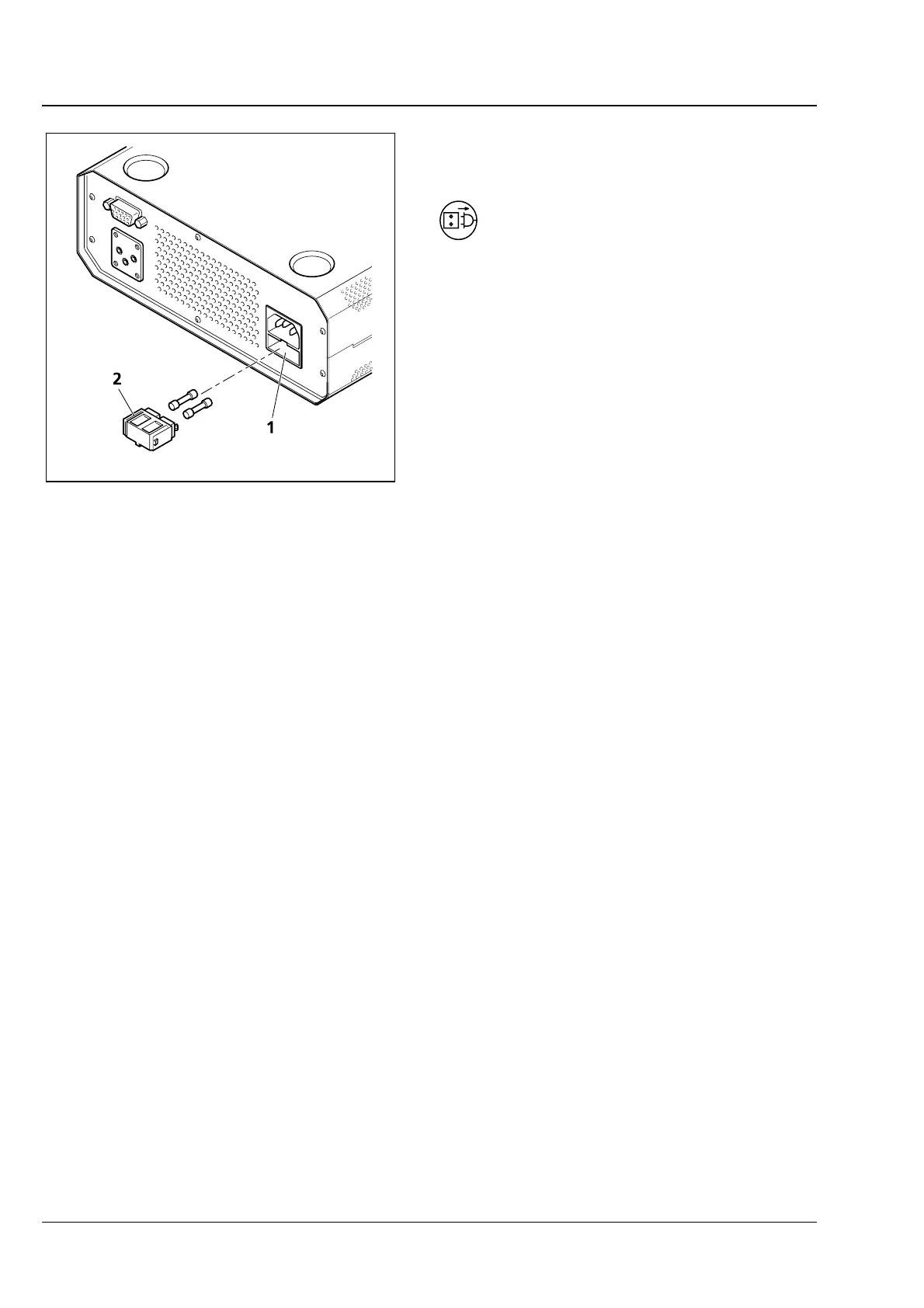
The fuse compartment is located on the back of
the power supply and contains two type T 4.0 A /
250 V, 5x20 mm fuses.
• Pull the power plug.
• Pull out the fuse holder (5-2/2) frontward. Use a
small screwdriver, if necessary.
• Remove the fuses from the fuse holder and
replace them with new ones.
• Push the fuse holder into the fuse compartment
(
5-2/1) as far as it will go.
• Plug in the power plug.
Fig. 5-2 Changing fuses on the power
supply








 To Next Page