START-UP
Carl Zeiss Attachment lamp VIS-LED for transmitted light Axio Imager
62 430000-7344-001 M70-2-0020 e 06/2009
3.30.2 Adjusting the attachment lamp
VIS-LED
• Switch on the add-on illuminator via the
microscope.
• Switch off the diffusion disk for transmitted
light and remove the filter wheels for
transmitted light.
• Use ≤ 40x objective to focus on a free area of
the specimen.
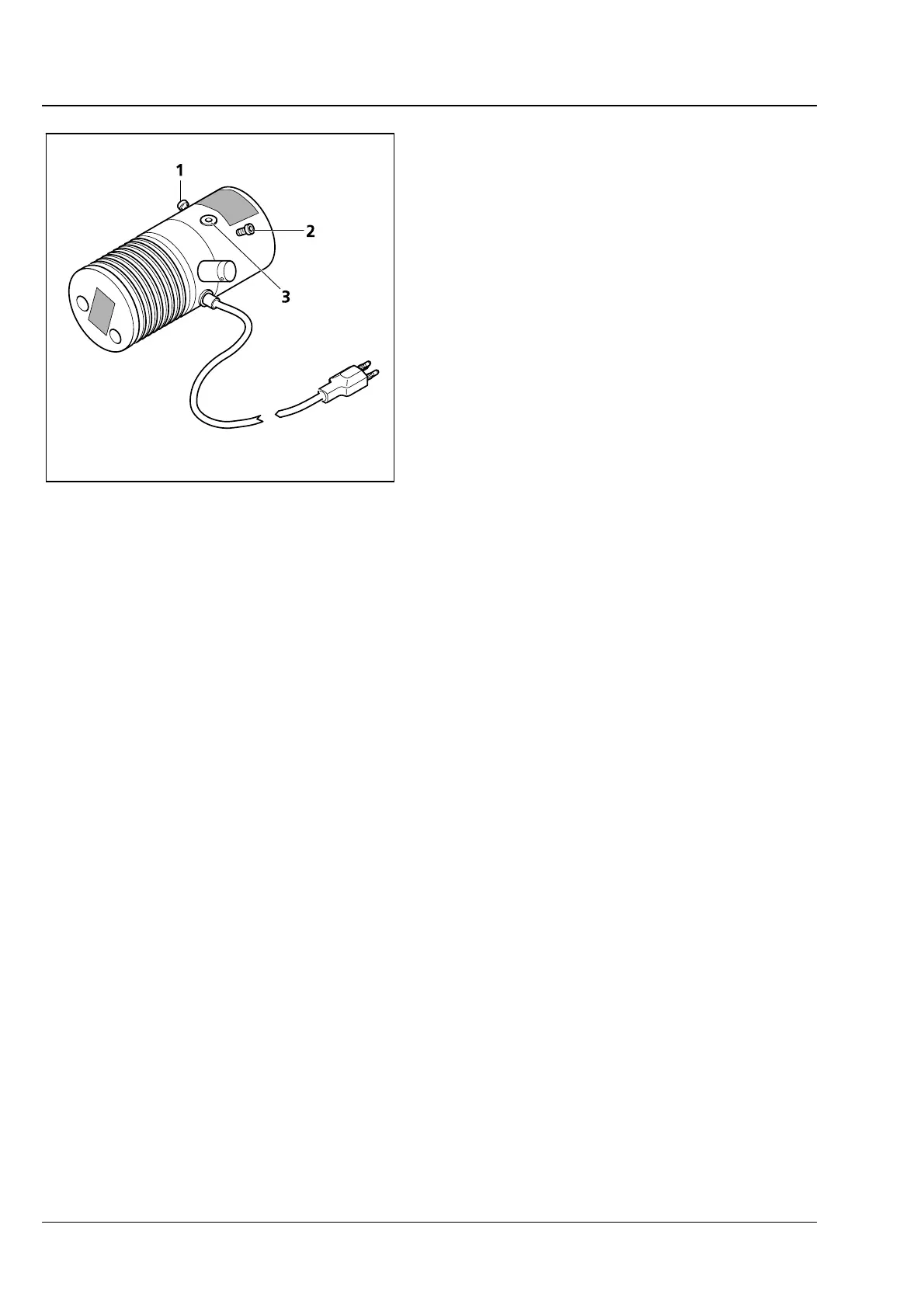
• Remove the eyepiece. Use the adjusting screws
(
3-43/1 and 2) to center the image of the
illuminator in the pupil image.
• Use the focusing screw (3-43/3) to optimize the
pupil image evenly.
• Switch the diffusion disk for transmitted light
on again and insert the filter wheels for
transmitted light.
Fig. 3-43 Adjusting the attachment lamp
VIS-LED








 To Next Page