OPERATION
Carl Zeiss Operating the motorized microscope via the touchscreen of the TFT display Axio Imager
104 430000-7344-001 M70-2-0020 e 06/2009
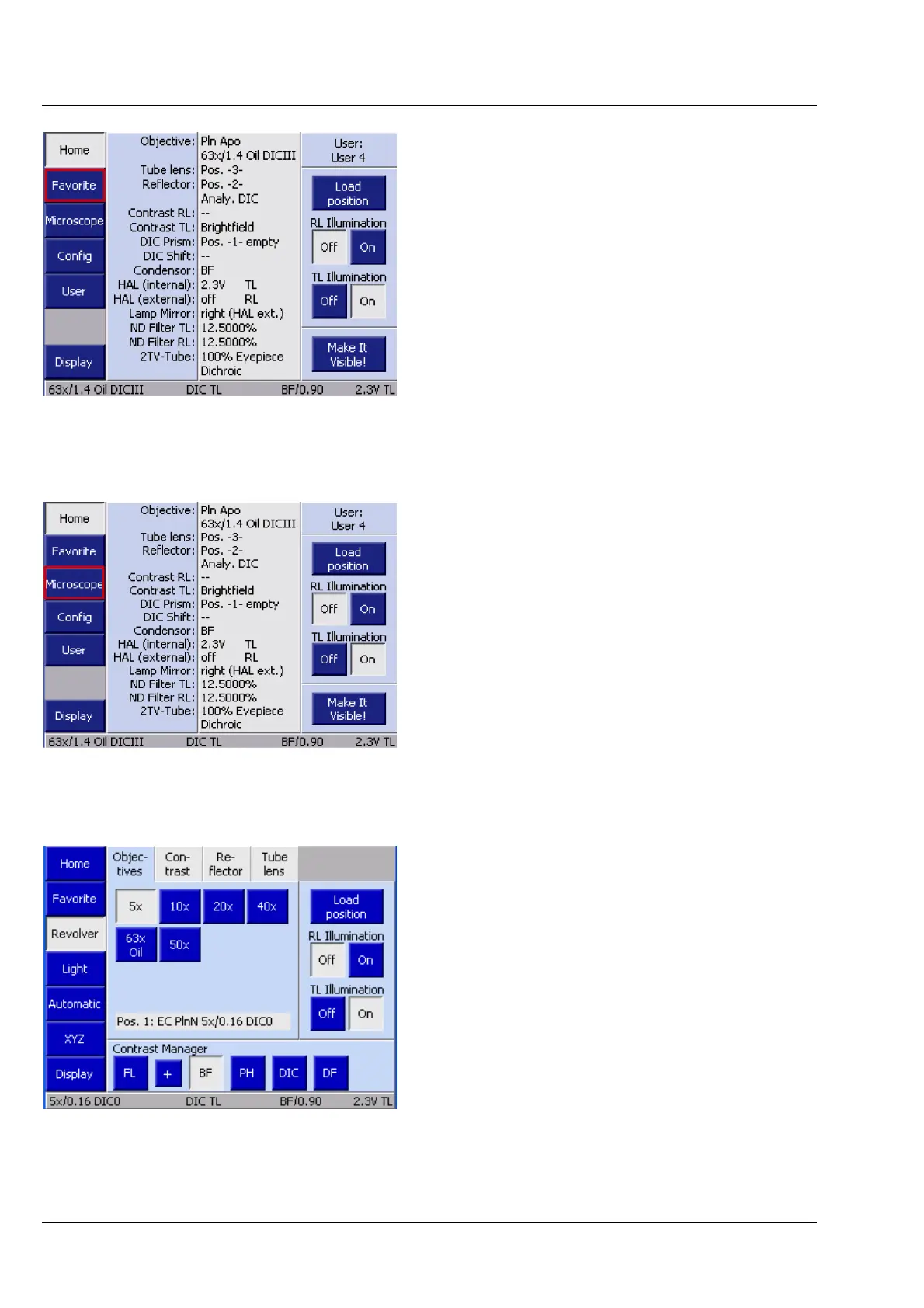
4.8.4 Favorites page
In order to streamline the operation of the
microscope, a frequently used page can be defined
as a favorites page. When it is selected, the system
will jump directly to this page. For the procedure of
how to define this page, see also Section
4.8.6.
4.8.5 Microscope page
By pressing the Microscope button on the
navigation bar on the Home page, the user gets to
the pages from where the operation of the
microscope is controlled:
− Turrets
− Illumination
− Automatic operation
− XYZ
4.8.5.1 Revolver page
Depending on the configuration carried out under
the Settings menu item, different tabs and
information will appear on the Revolver page.
These are described in the following.
(1) Objectives tab
Depending on the nosepiece installed (all
motorized ones), up to seven control elements will
appear for the various objective positions (Pos.1 to
Pos.7). For objective positions already configured,
the system will display the magnification and,
where applicable, the following additional
information:
Fig. 4-30 Favorites page
Fig. 4-31 Calling up the Microscope page
Fig. 4-32 Microscope -> Revolver ->
Objectives








 To Next Page