11 Rev.B
INPUT SOURCES
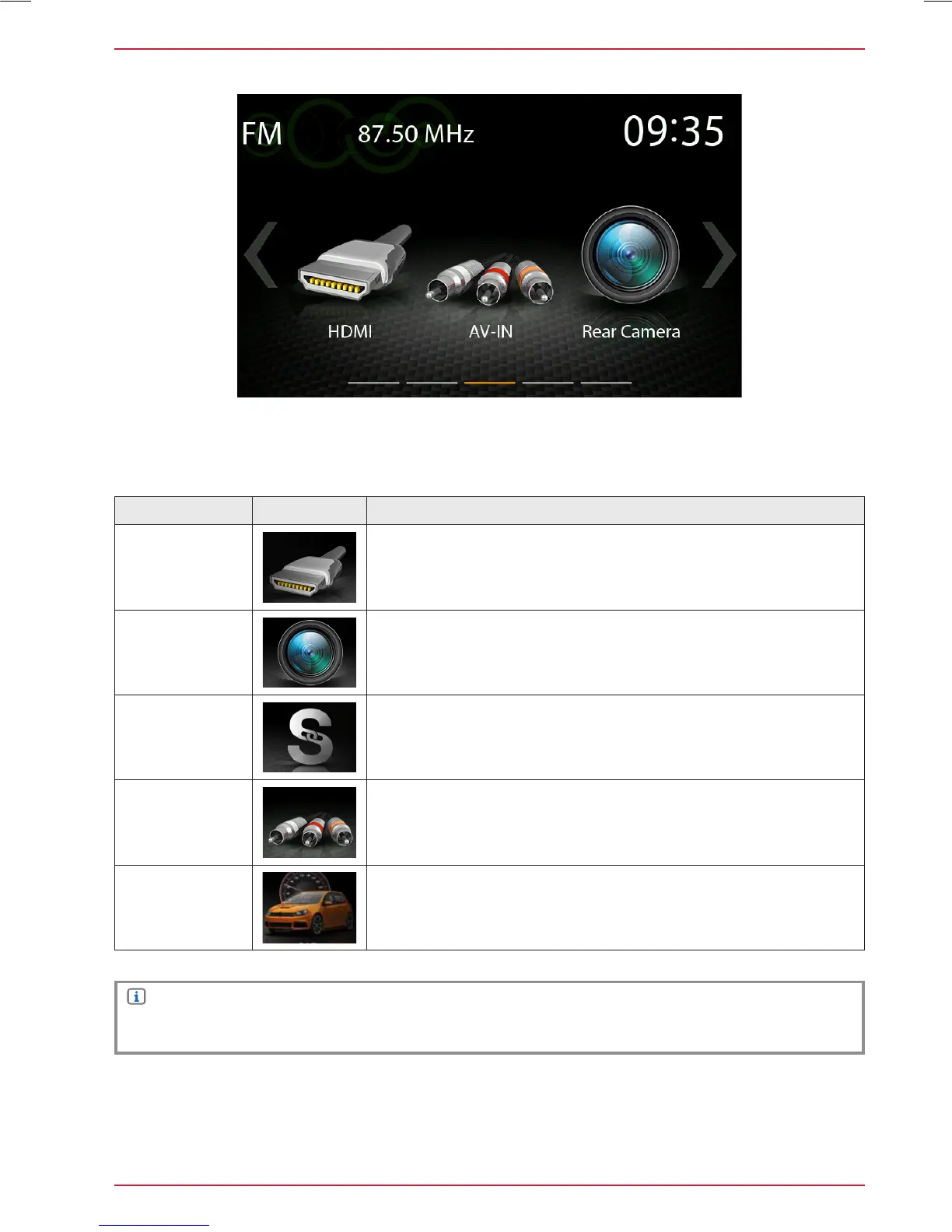
Function Icon Operation
HDMI
Tap to open HDMI source
Camera
Tap to enter camera source
Smartlink
Tap to open Smartlink App
AV-IN
Tap to open AV-IN
CAR
Tap to open CAR Info page
Input Sources
NOTE
Icons in the main menu remain greyed out for input source items not connected to device.
To select and open external sources like HDMI, Camera, AV-IN or Smartlink, they need to be paired
or physically connected to the device.



 To Next Page