15 Rev.B
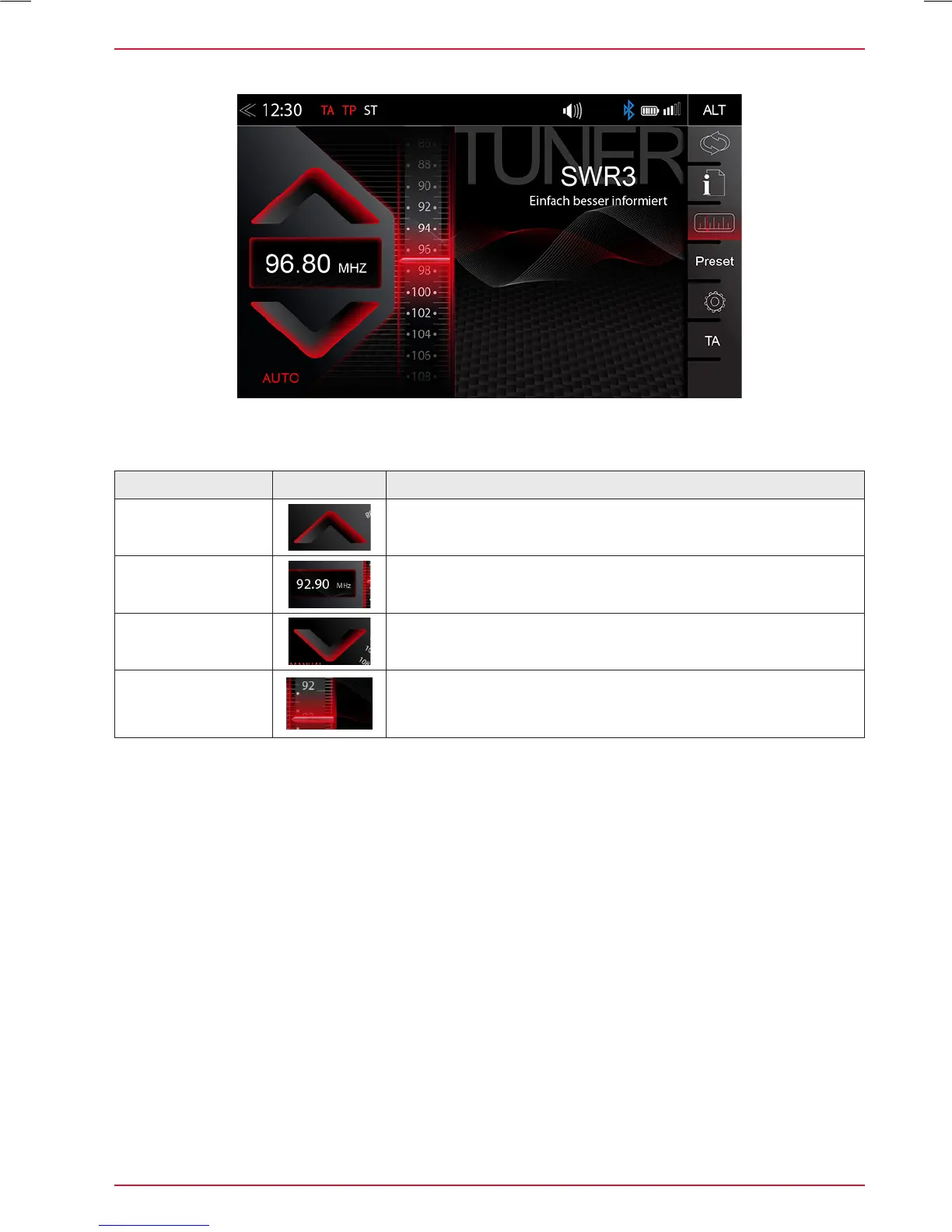
FM BAR GRAPH MODE
The FM setup mode (press gear icon) allows to assign two different operation modes to both station
frequency arrows: manual steps in 100kHz, or auto scan (stopping at next station). See page 18.
Function Icon Operation
Station Frequency
UP
Tap to start manual 100kHz jump, or FM station auto search
up
Station
Frequency
Tap to open the direct frequency input mode keyboard
Station Frequency
DOWN
Tap to start manual 100kHz jump, or FM station auto search
down
Bar Graph Scale
Press and hold to slide the frequency pointer of the bar graph
into any position. Tap to set a desired frequency value on the
scale



 To Next Page