56 Rev.B
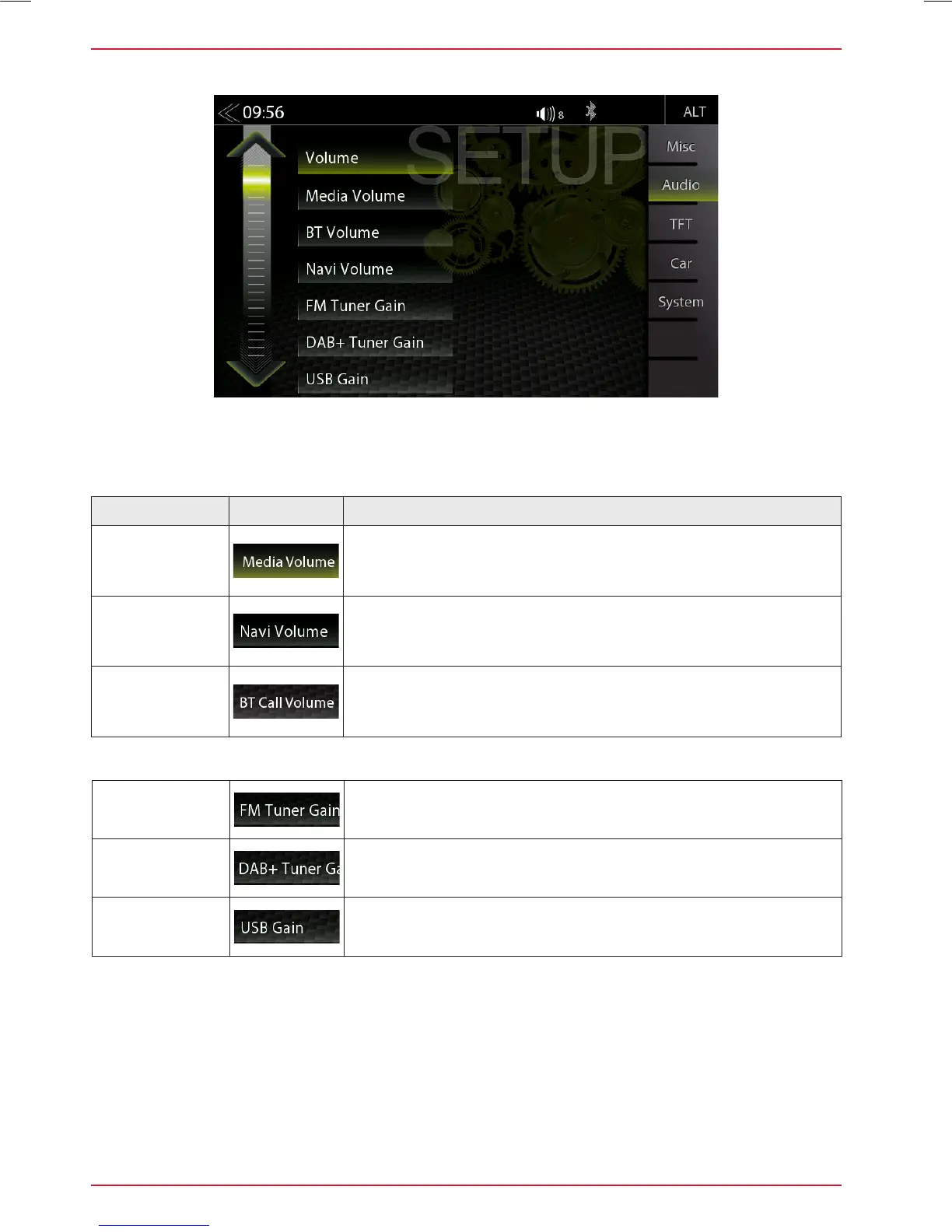
AUDIO VOLUME – BASE LEVEL SETUP
Function Icon Operation
Media Volume Tap to set the media playback volume
Navi Volume
Tap to set the volume of the Navi voice
BT Call
Volume
Tap to set the volume of the Bluetooth handsfree volume
In the audio menu, you can adjust the basic volume values of the various audio sources.
Fine adjustment of the volume of all "Gain" sources
FM Tuner
Gain
Fine adjustment of FM volume
DAB Tuner
Gain
Fine adjustment of DAB volume
USB
Gain
Fine adjustment of USB volume



 To Next Page