32 Rev.B
SMARTLINK DIRECT
Function Icon Operation
Smartlink Direct
Tap to enter the Smartlink Direct mode
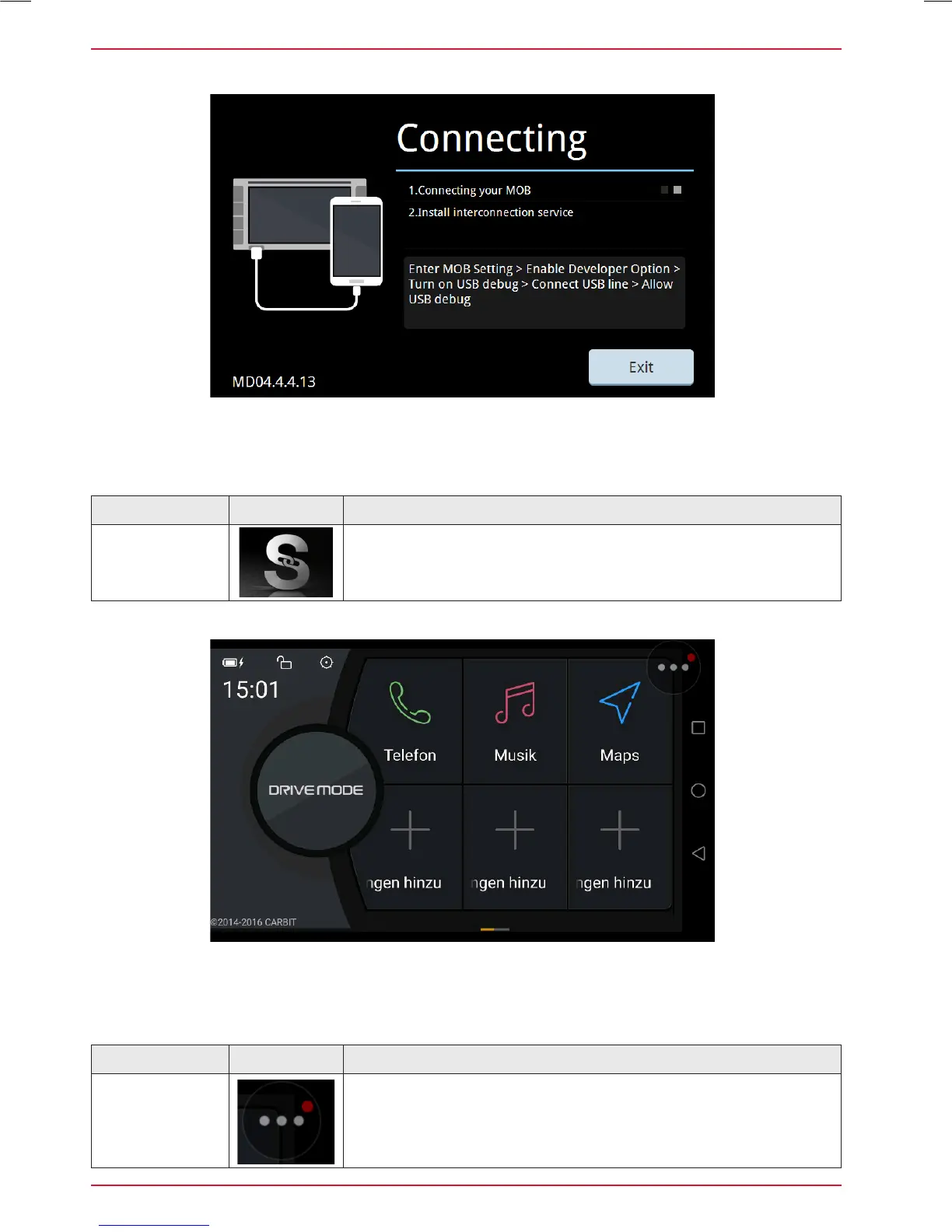
When a compatible smartphone is connected to the device via USB port, tapping on the Smartlink
Direct main icon opens the pairing options of the Android smartphone, or the display mode if the
phone has been successfully paired before.
Function Icon Operation
Smartlink Direct
Drive Mode
Control Panel
Button
Tapping on this circular button opens five control icons. Press
and hold this Smartlink Direct button allows to move it into any
position on the display screen.
The Drive Mode control interface offers several options to configure and operate this App on the
device, including the control of smartphone functions. See the three icons on the right hand side
vertical area, which target operation and control of the (paired + connected) smartphone.



 To Next Page