55 Rev.B
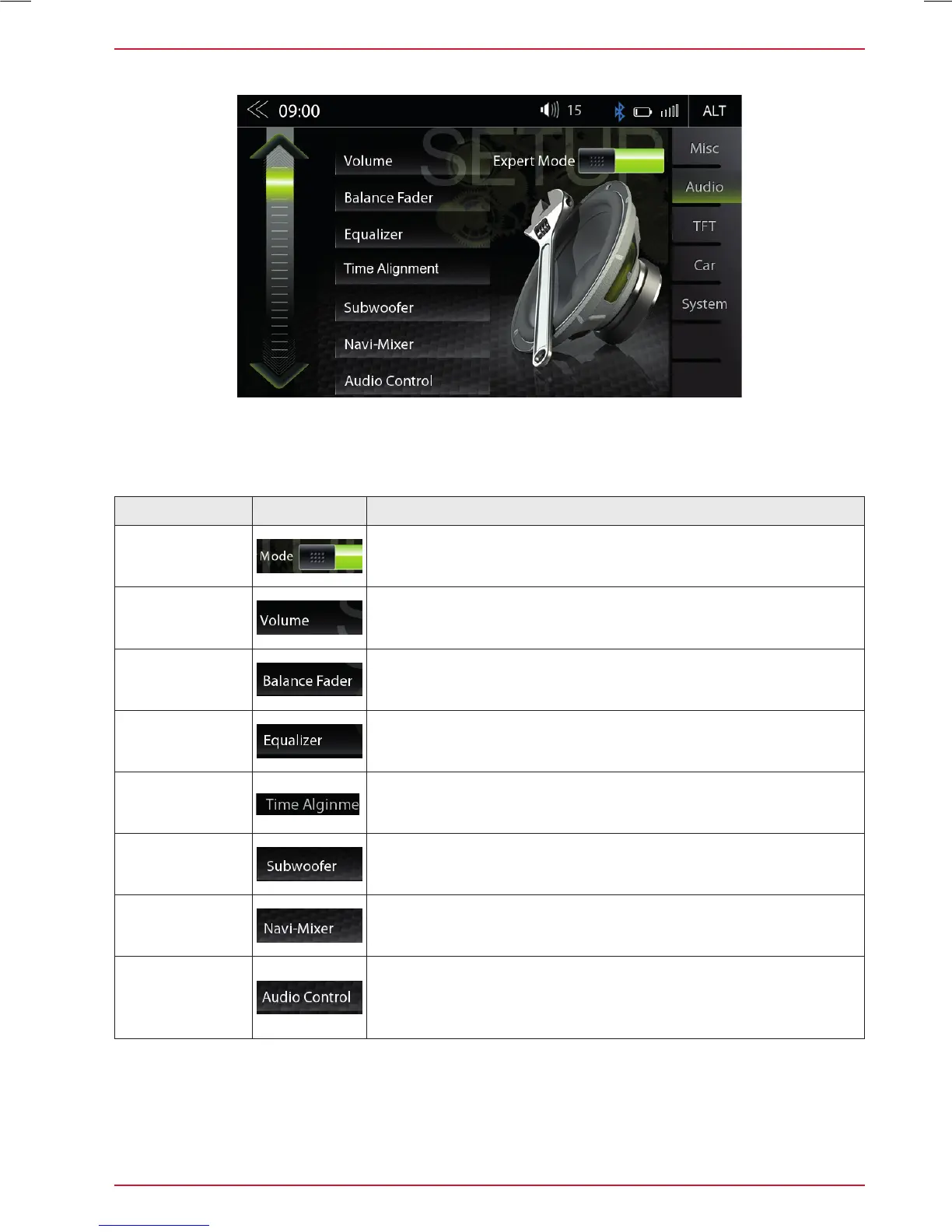
AUDIO SETUP: EXPERT MODE
In the Audio Setup menu page with the Expert Mode set to “ON”, you can change audio relevant
settings. Such as Equalizer, Time Alignment, Navi-Mixer, etc. Please refer to the listings on the
following pages.
Function Icon Operation
Expert Mode
Tap to enable or disable expert mode
Volume
Tap to set start and source volume
Balance/Fader
Tap to set fader or balance
Equalizer
Tap to set the 10-band equalizer
Time
Alignment
Tap to make settings for the time alignment
Subwoofer
Tap to set subwoofer settings
Navi-Mixer
Tap to set navi voice output configuration
Audio
Control
Touch to make general quick audio settings (Loudness /
Suboofer etc.)
Can be accessed by long press of the Home button.



 To Next Page