24 Rev.B
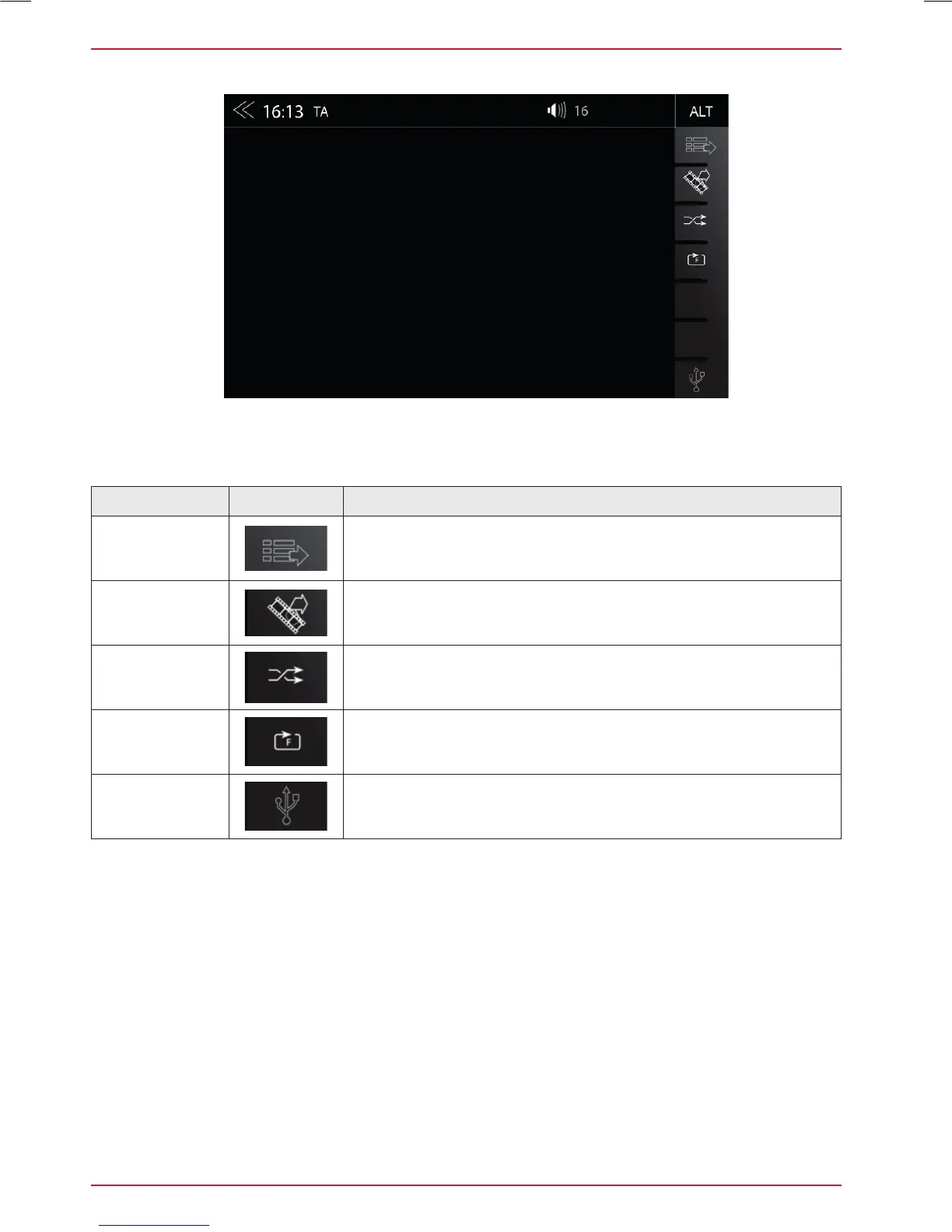
Function Icon Operation
Playlist
Tap to display the folder and list
This function is not supported in BT Audio playback mode.
Video <-> Audio
Source
Tap to switch between audio or video playback. This function is
not supported in BT Audio and iPod mode
Shuffle
Tap to turn on the random play feature within the folder that is
playing
Repeat
Tap to automatically repeat a track or a complete music
collection
Source
Touch to jump to next available source
(Available sources USB, iPod, DVD, BT-Music and SD)
The control and operation bar on the right side of the audio playback media menu gives access to
play lists favorites and external USB memory.
USB / BT A2DP / iPOD / DVD / SD (AUDIO) MEDIA CONTROL AND OPERATION BAR



 To Next Page