70 Rev.B
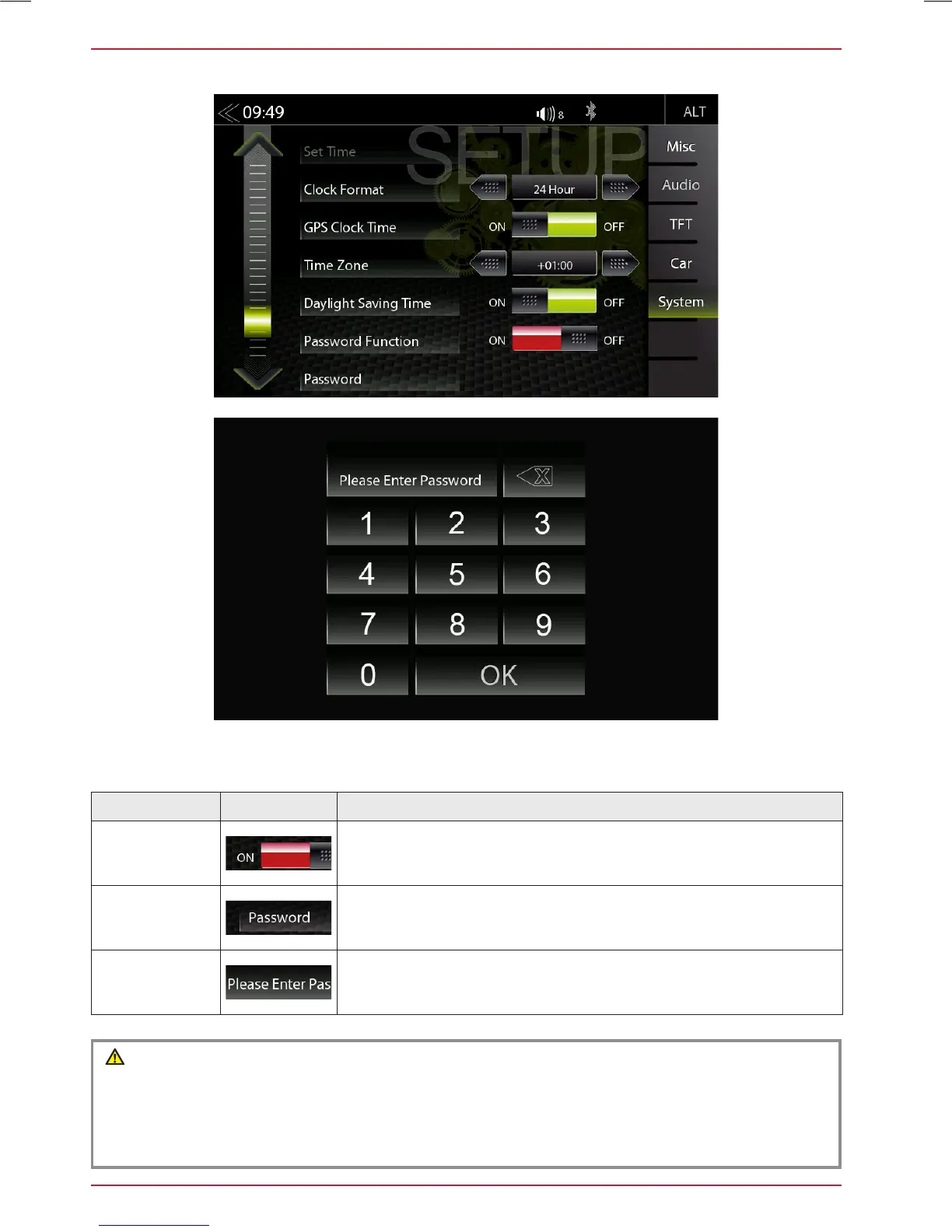
PASSWORD
Function Icon Operation
Password
Function
OFF = password protection disabled
ON = password protection enabled
Password
Tap and confirm to store a password*
Standard code ”12345”
Input Keypad
Enter the desired password
In the System Setup menu page under Password function, you can activate and deactivate the pass-
word protection.
CAUTION
If you protect you ZENEC system with a Passwort make sure, you have access to this password
anytime.
Lost or forgotten Passwords require the device to be uninstalled and sent in to ZENEC Service
Centre. Device unlocking is not free of charge.



 To Next Page