45 Rev.B
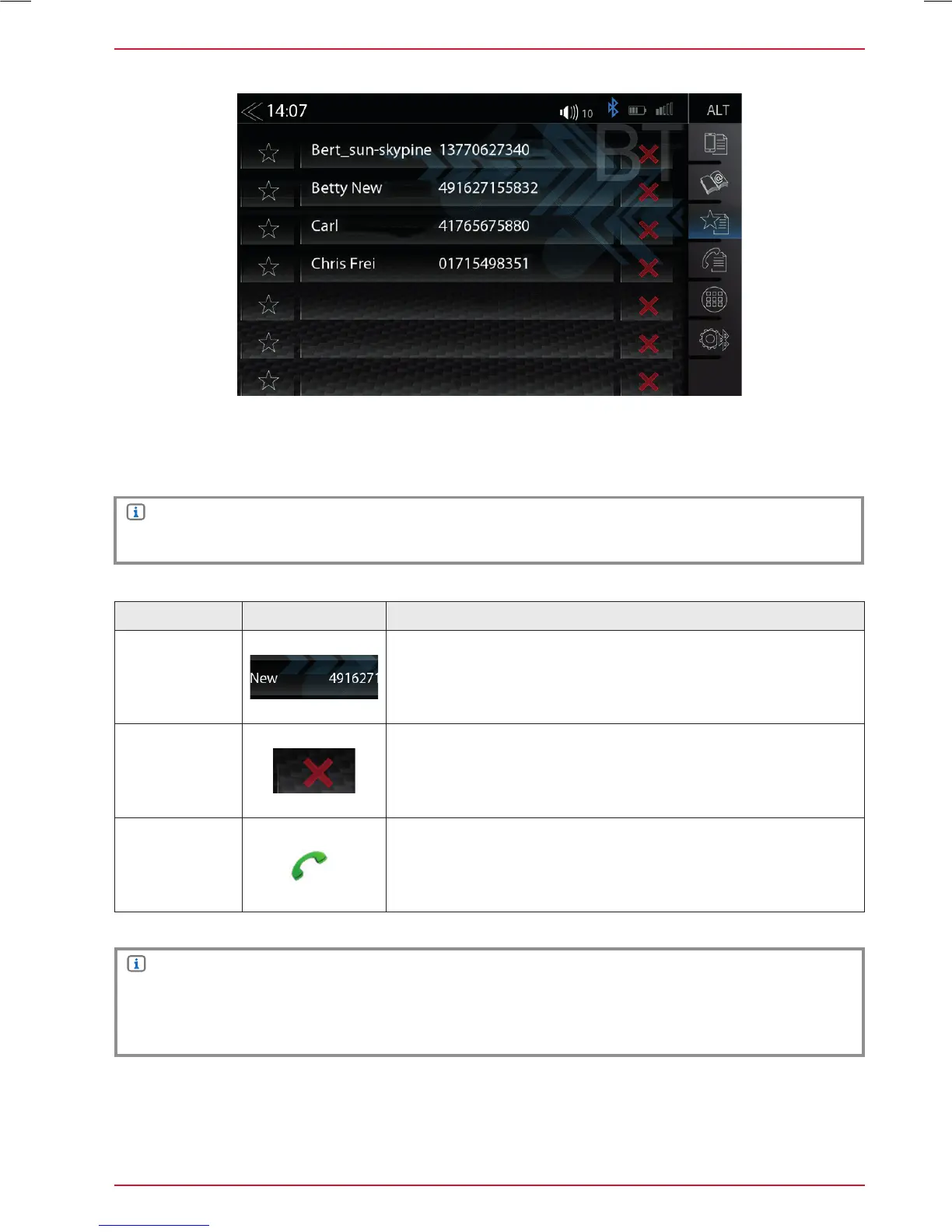
FAVORITES
On this page you can link eight or more phone numbers to become favorites. You can select any
of the phone numbers in the phonebook and save them as Favorites; exceptions are e-mails and
addresses.
NOTE
All Favorites are visible to every user of the device as they are saved in device memory.
NOTE
A change of data on the mobile phone will not sync automatically with the stored Favorites.
Should you want to change phone numbers this change must be manually transferred to
Favorites by deleting the exisiting Favorite and re-assigning the same Favorite with new number.
Function Icon Operation
Stored
Favorite
Tap to set up/- start a connection with a stored Favorite
Delete
Tap to remove a stored Favorite
Call /
Accept
Tap the green handset to accept or start the call



 To Next Page