34 Rev.B
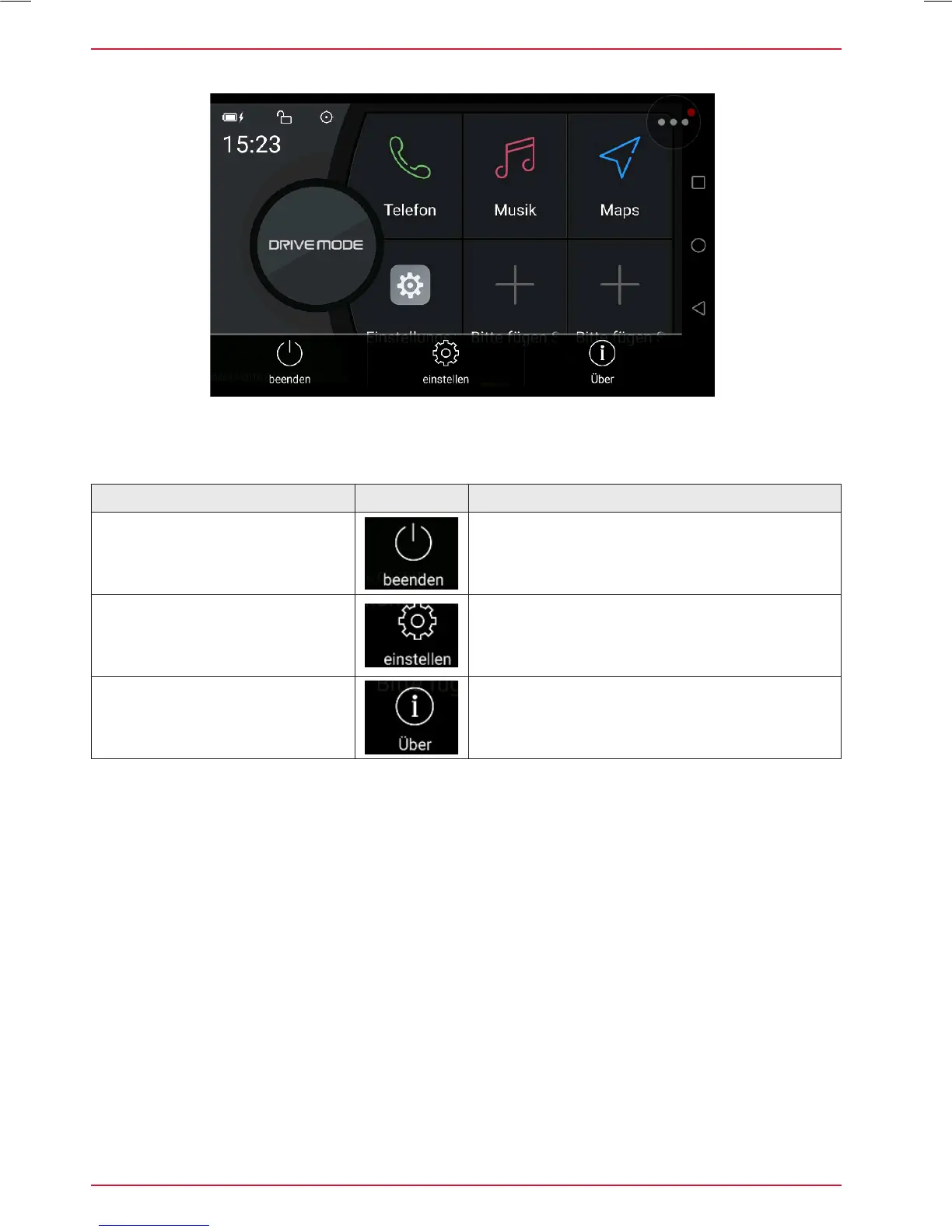
SMARTLINK DIRECT CONTROL BAR ICONS
Function Icon Operation
Drive Mode ON/OFF
Icon
Tap to close Drive Mode panel
Drive Mode Setup Icon
Tap to access Drive Mode setup
Version-Info (Software) Icon
Tap to show current software version info of the
Smartlink Direct application installed on this
device.
Smartlink Direct control bar to access versioninfo and display setup.



 To Next Page