44 Rev.B
Function Icon Operation
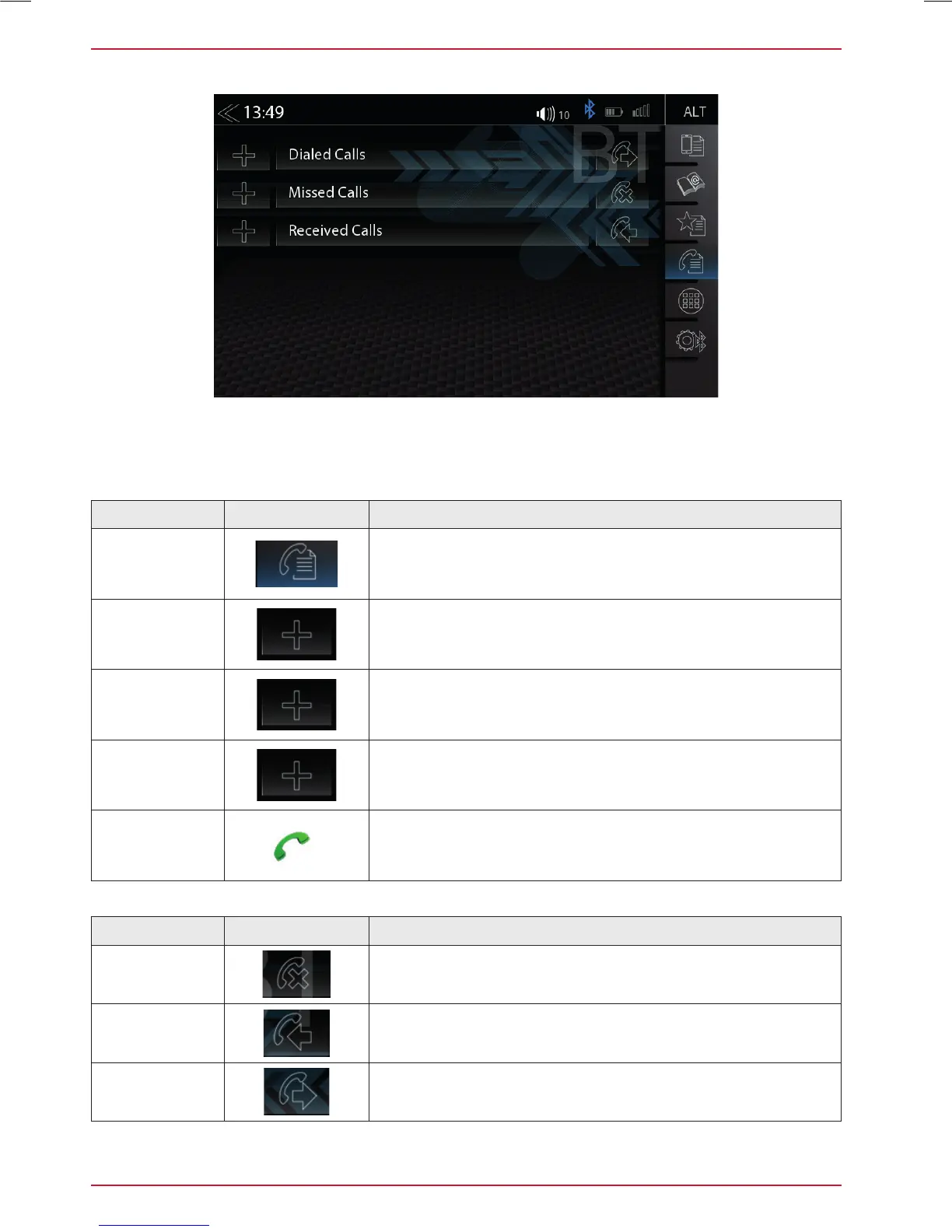
Call logs
Tap to see all call logs
Missed Calls
Tap to see the missed calls only
Received Calls
Tap to see the received calls only
Dialed Calls
Tap to see the dialled (outgoing) calls only
Call /
Accept
Tap the green handset to accept or start the call
Function Icon Operation
Missed
Entries with this icon refer to calls that you missed
Incoming
Entries with this icon refer to accepted incoming calls
Contacted
Entries with this icon refer to outgoing calls
CALL LISTS
If a compatible mobile phone is connected, call lists from the mobile phone will be synchronized
with the BT hands-free system (process can take some minutes, depending on the number of
contacts). Once sync process has completed you will be able to access the following logs:



 To Next Page