37 Rev.B
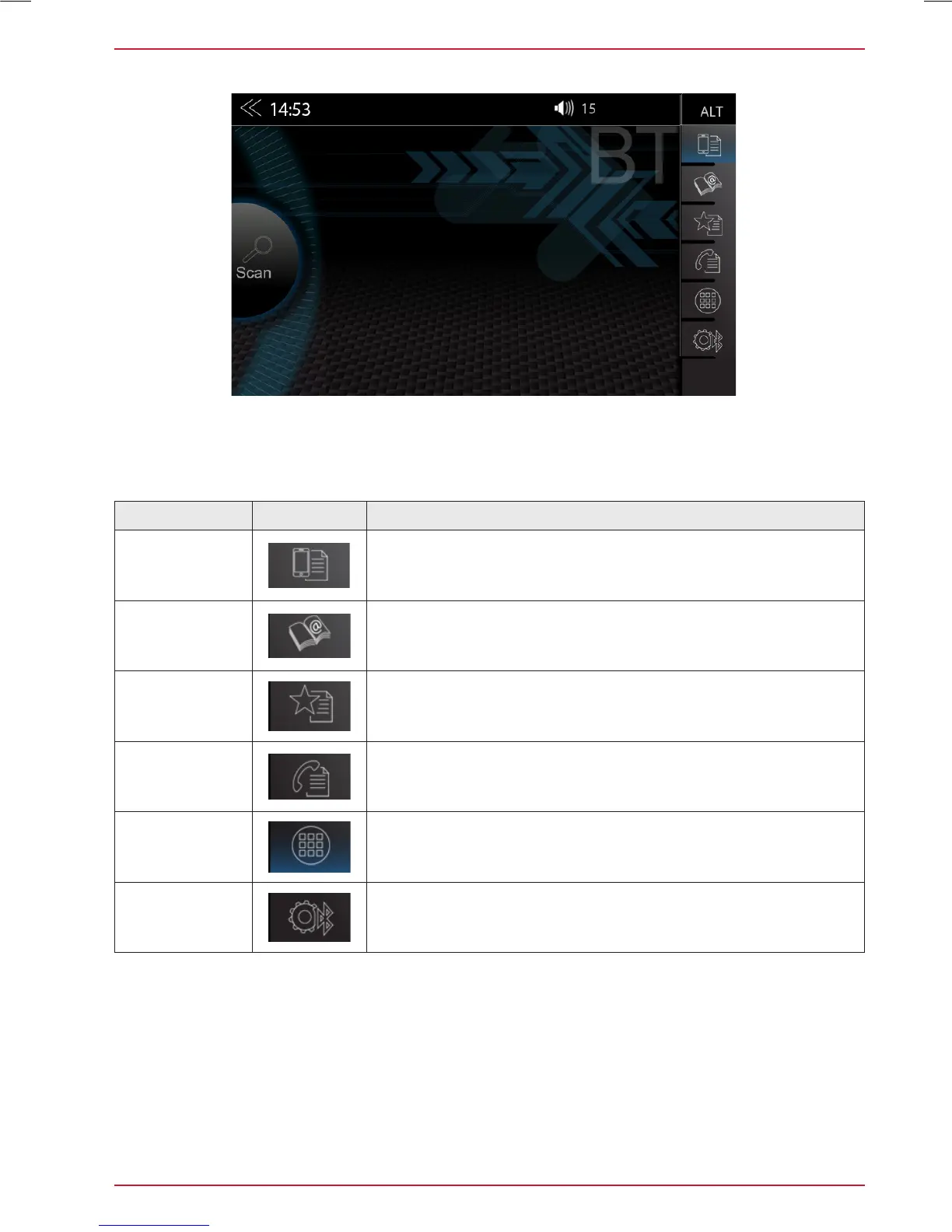
Function Icon Operation
Device
manager
Tap to access the device manager view
Phonebook
Tap to access the phonebook of the currently paired mobile
phone
Favorites
Tap to access the stored favorites
Call logs
Tap to access the call logs
Numeric pad
Tap to open the numeric keypad
Bluetooth
setup
Tap to change the most important settings for BT operation
CONTROL AND OPERATION BAR (RIGHT)
The vertical control and operation bar on the right area of the Bluetooth page serves to invoke device
manager, or access phone book, favorites, call logs, numeric keypad and Bluetooth settings.



 To Next Page