20 Rev.B
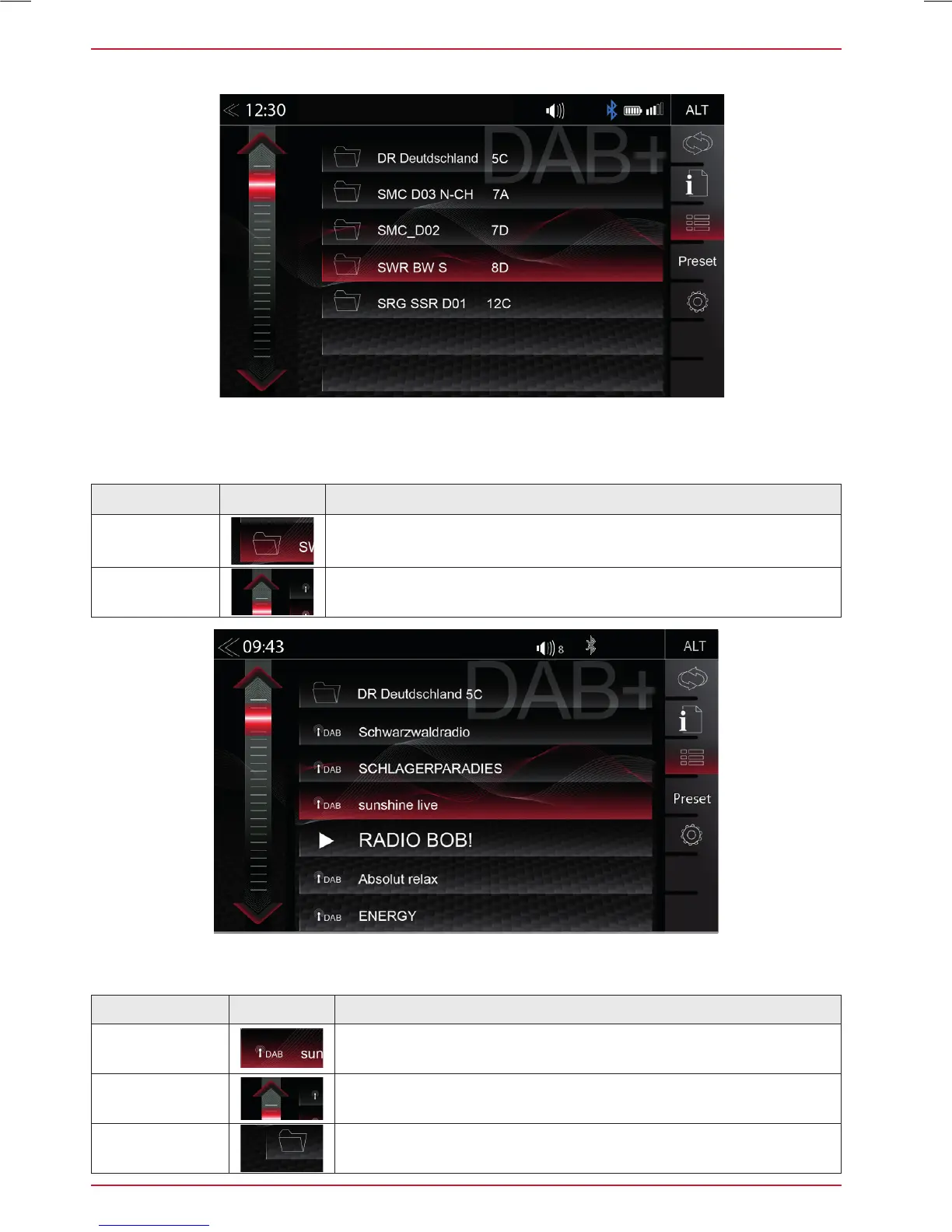
DAB+ ENSEMBLE AND STATION LIST
A tap on each Ensemble opens the related DAB+ station list of the respective Ensemble. The station
list content follows exactly the original Ensemble display format and list sequence.
Function Icon Operation
Radio station
selection
Tap to select one particular radio station out of the list
List scrolling
Press and hold to move the slider of the station list up and down
Back
Tap to jump back to Ensemble selection
Once the first DAB+ band scan has completed, device will show all DAB+ Ensembles and radio
stations of sufficient signal strength. The Ensemble list and its content is auto updated periodically (by
re-scaning).
Function Icon Operation
Ensemble list
selection
Tap to open an Ensemble, showing the assigned DAB+ radio
station list
List scrolling
Press and hold to move the slider of the Ensemble list up and
down



 To Next Page