50 Rev.B
SETUP OF SOURCES
Function Icon Operation
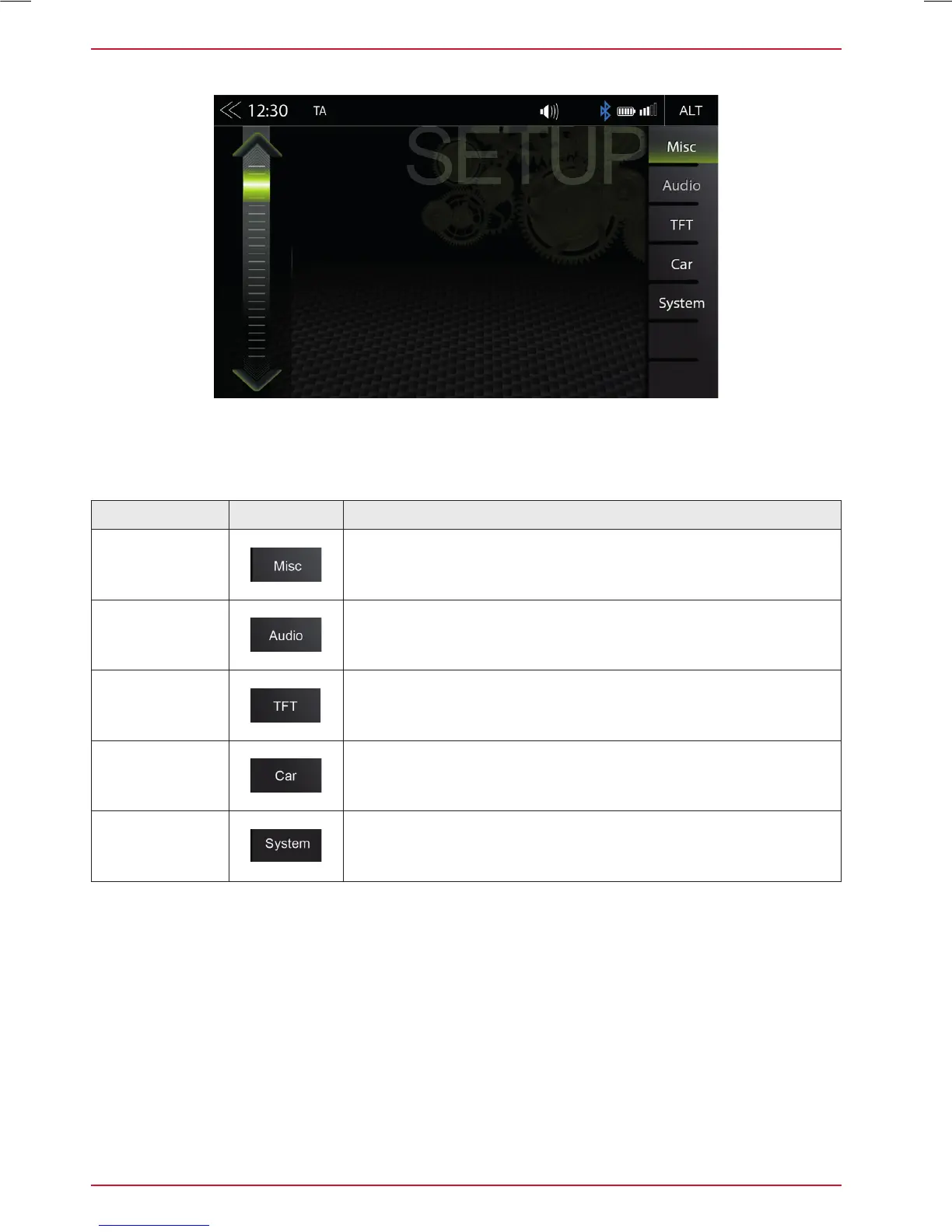
Misc Tap to access diverse device settings
Audio
Tap to access audio settings
TFT
Tap to access display settings
Car
Tap to access car settings (Park Assist etc.)
System
Tap to access system settings
When you tap the setup icon, you will enter this setup source page, which offers five different
sources you can adjust for personal preferences.



 To Next Page