62 Rev.B
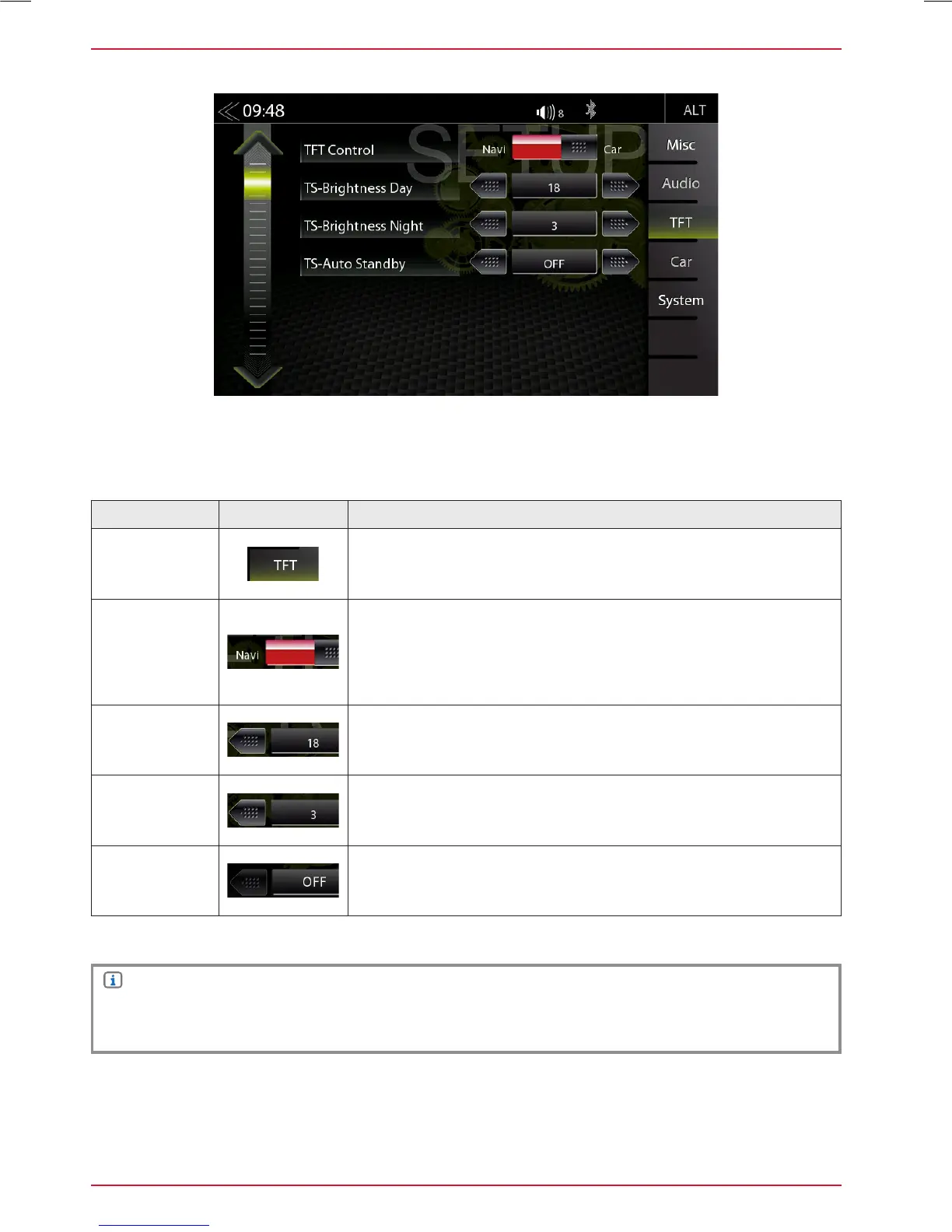
TFT DISPLAY CONFIGURATION
In the TFT Setup menu you can make screen settings that control the day/night brightness of the
TFT LCD display screen. This will only work with 16GB microSDHD card of the ZENEC navigation
software bundle Z-EMAP50.
Function Icon Operation
TFT
configuration
Tap to adjust display configuration
TFT
Control
Tap to select the brightness control:
Navi = Day/Night brightness is controlled by the navigation
system.
Car = Day/Night brightness is controlled by vehicle illu voltage
wire.
TS-Brightness
Day
Day adj range
0 ~ 18
TS-Brightness
Night
Night adj range
0 ~ 18
TS-Auto
Standby
Tap to enable or disable TFT Auto Standby function and Auto
Screen shutdown. TFT goes into standby after selected time.
NOTE
Using the DISP icon in the main menu you can set the display brightness to three levels
( 100% → 50% → 0% ).



 To Next Page