30 Rev.B
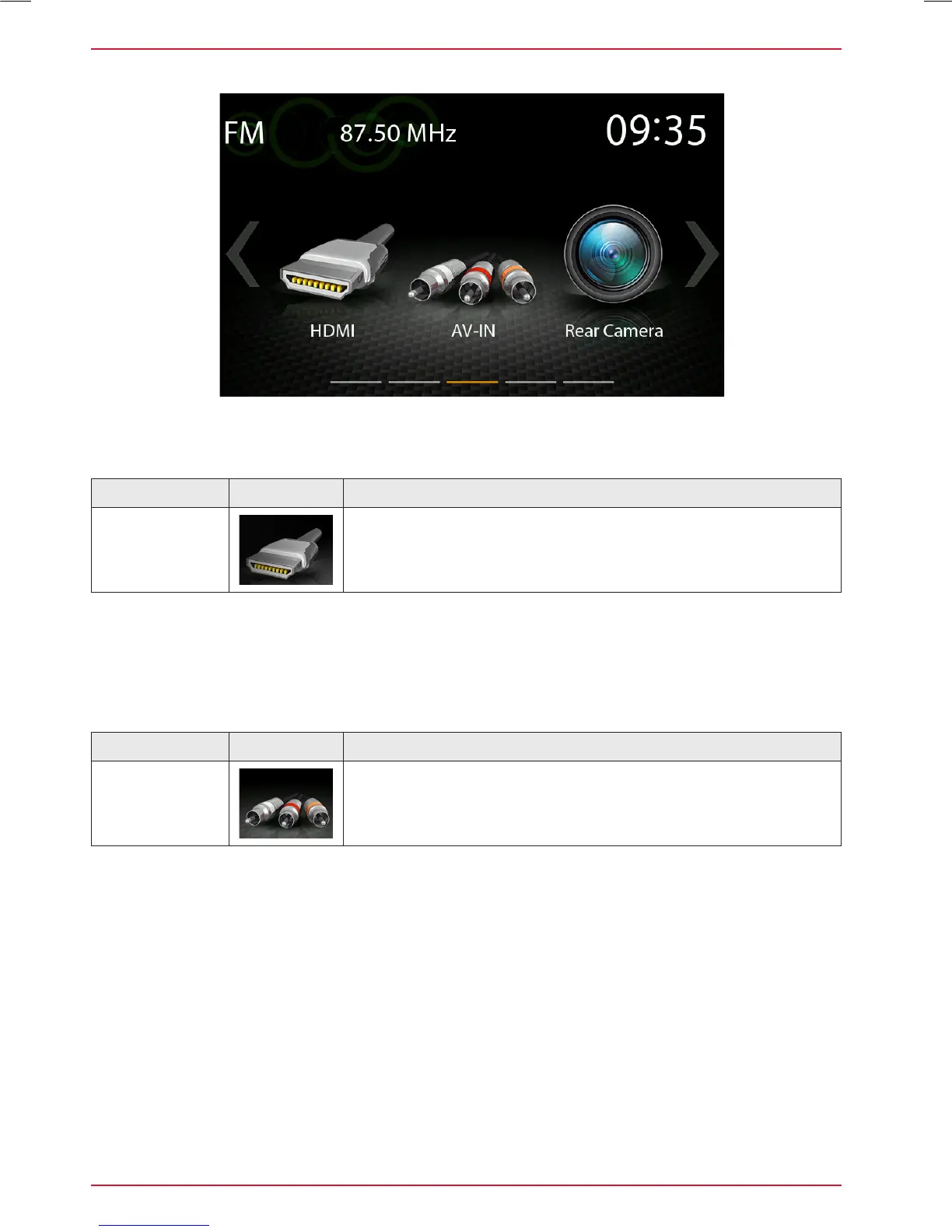
HDMI / AV-IN
Function Icon Operation
HDMI
Tap to open HDMI source mode
Tap to the HDMI icon to open the HDMI source, if a compatible HDMI source is connected, for
example a videogame, smartphone, tablet, notebook.
Function Icon Operation
AV-IN
Tap to open AV-IN source mode
Tap to the AV-IN icon to open the AV-IN source, if a compatible AV-IN source is connected, for
example a videogame, smartphone, tablet, notebook.



 To Next Page