35 Rev.B
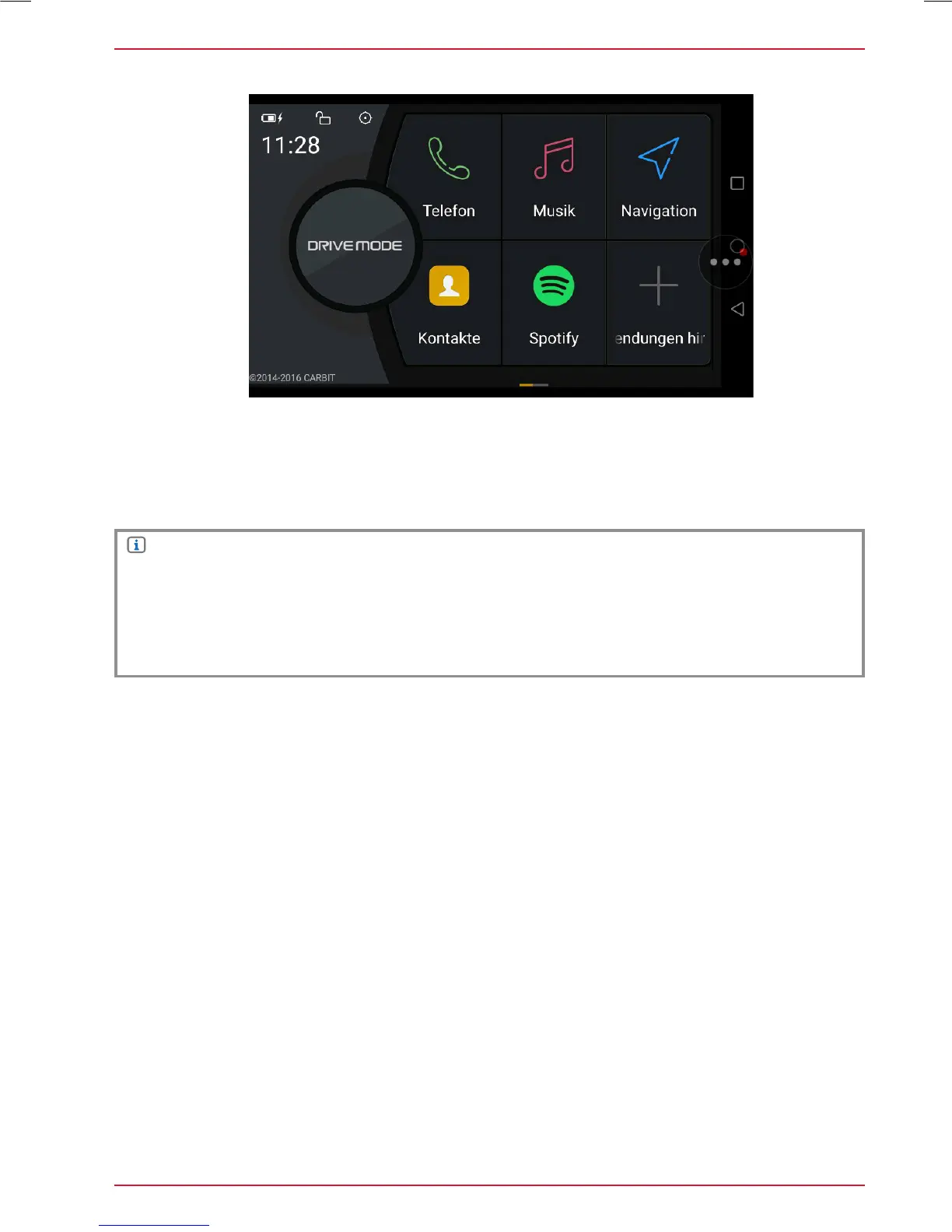
In the Drive Mode panel, you can link Apps on your smartphone to become a Smartlink Direct
embedded function on the ZENEC device. Tap on the respective function field in the Drive Mode
panel, where you want to assign a specific function. With the linked smartphone app, you can
operate the app control functions directly via Zenec device (Android OS).
SMARTPHONE APP LINKING
NOTE
When a main system software update is installed on the device, the Smartlink Direct license will
get overwritten (erased). The Smarttlink Direct App will attempt to reload the UUID based license
after a software update automatically. Make sure to connect a Smartphone right after the update
has completed. Contact the ZENEC Support in case of Smartlink Direct function mishaps, after
such an update.



 To Next Page