40 Rev.B
Icon Function
Mobile phone currently connected
Battery capacity of the connected mobile phone
Signal strength of the mobile network
BLUETOOTH STATUS BAR
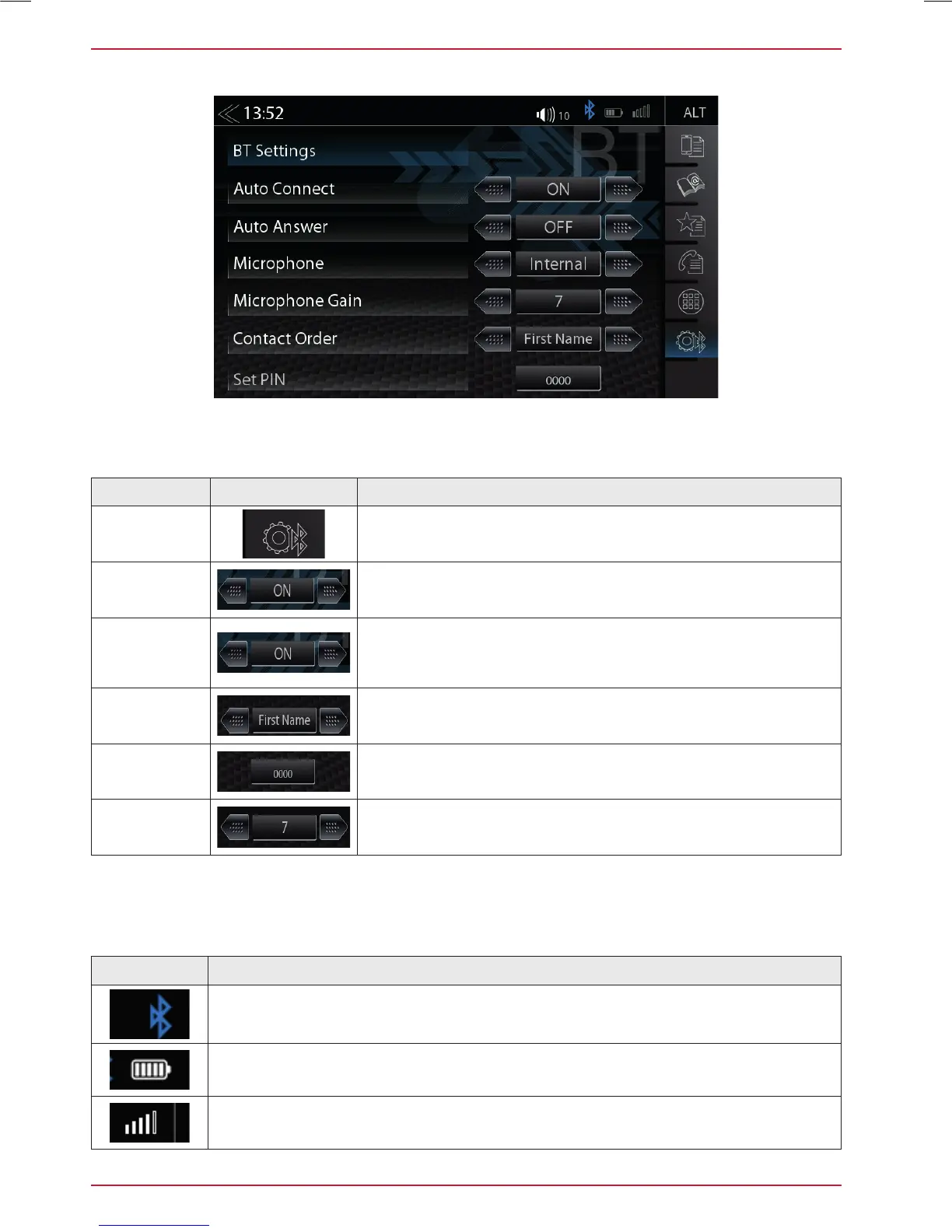
BLUETOOTH SETUP
On the Bluetooth setup page you can adjust settings for Bluetooth operation. Press the appropriate
button / field to change any of the listed settings.
Function Icon Operation
Bluetooth
Settings
Tap to change settings related to BT operation
Auto
Connection
ON / OFF
Auto
Answer
ON / OFF
ON = Automatic call acceptance
(after 3 ring tones) activated
OFF = Automatic call acceptance deactivated
Contact
Order
1. by first name
2. by surname
Set Pin
Tap to change Bluetooth code (Pairing PIN)
Standard code: 0000
Microphone
Gain
Fine adjustment of microphone gain



 To Next Page