17 Rev.B
FM STATION-PRESET
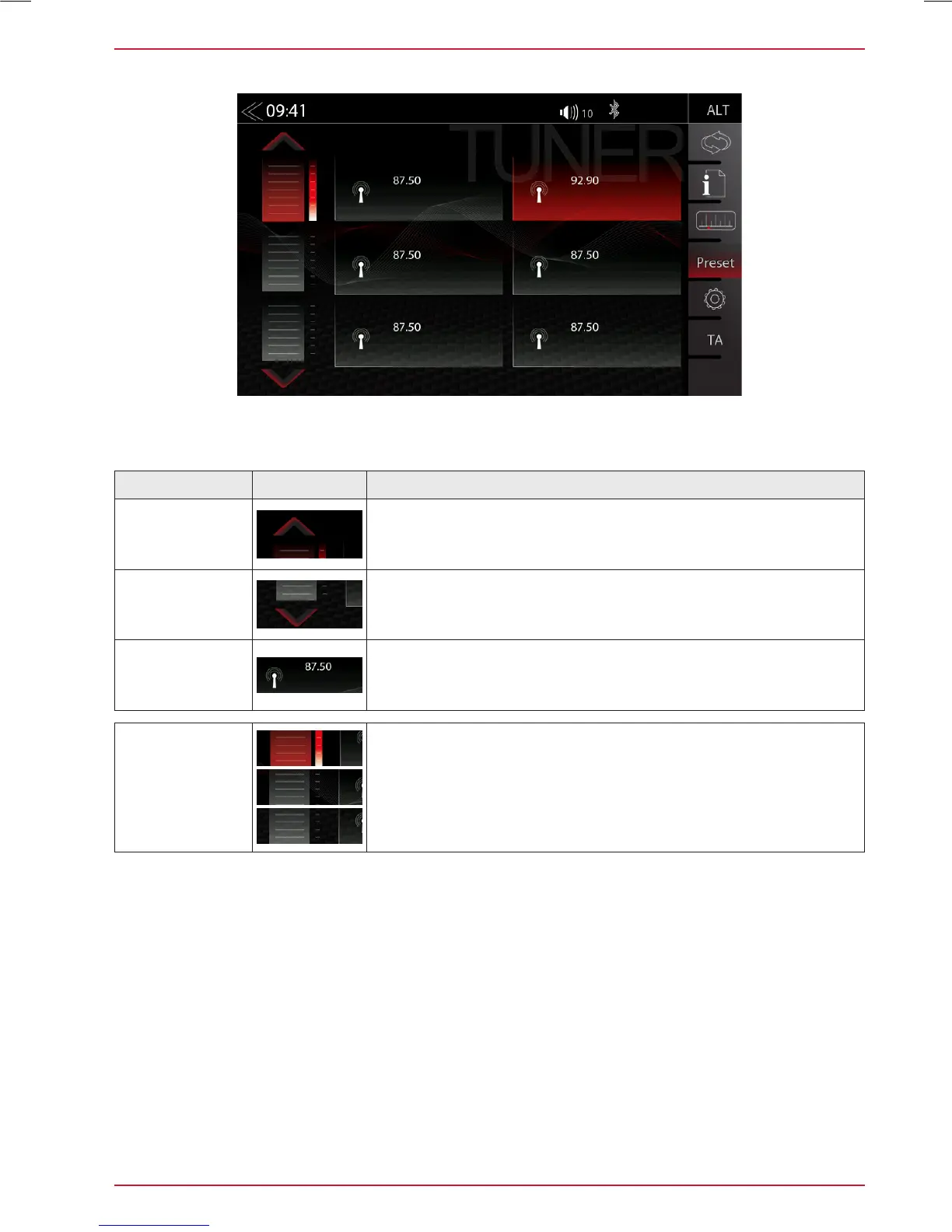
Select a previously stored radio station by tapping on the station preset button.
Function Icon Operation
Previous
page
Tap to switch to previous preset page
Next
page
Tap to switch to next preset page
Stores
Tap to select a stored station. Press and hold the station to save
the actual radio station on any of the station preset buttons
Store
register
Tap to goto another store register (3 register each with 6 stores)



 To Next Page