41 Rev.B
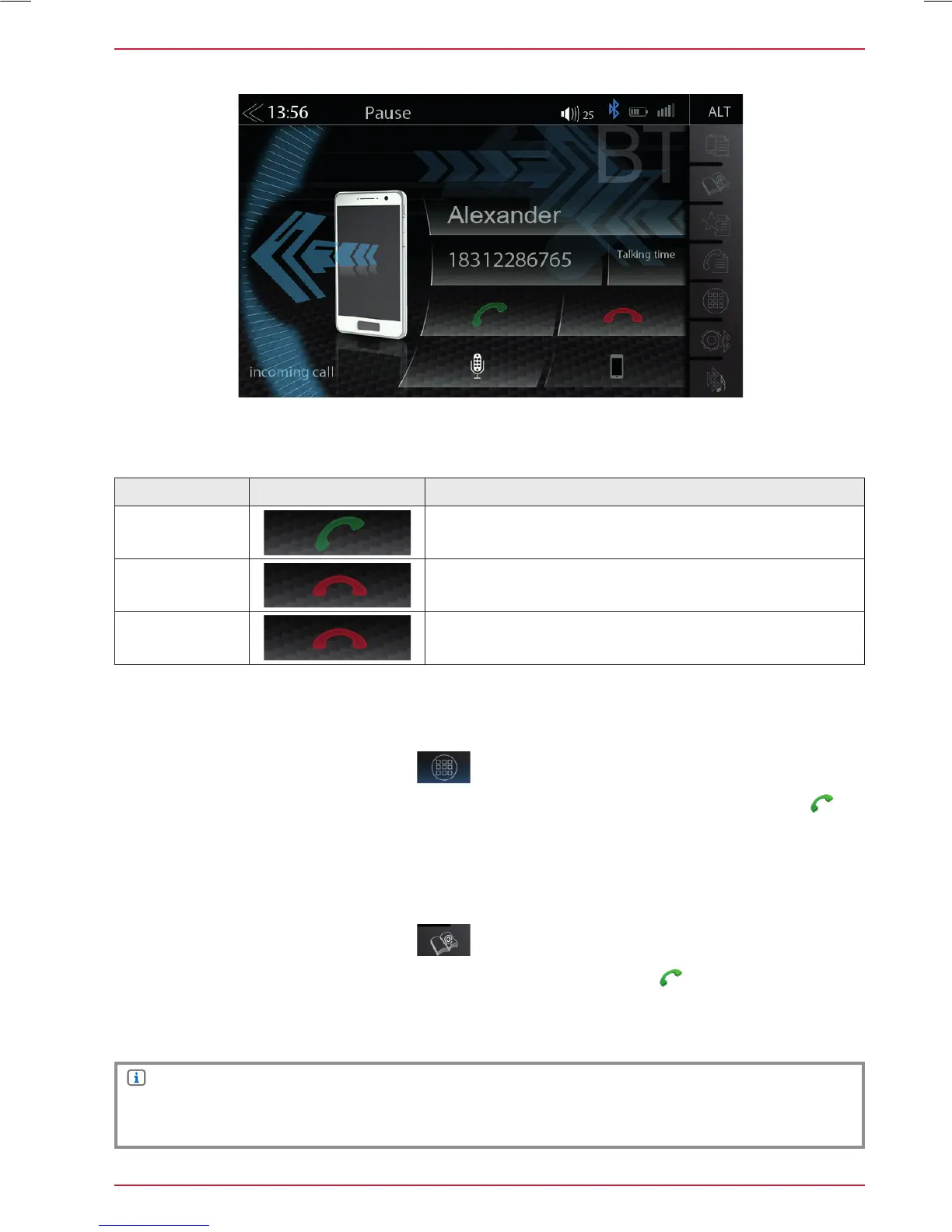
ACCEPTING/ENDING INCOMING CALLS (VIA DEVICE)
In the control-/operation panel touch the
numeric pad.
Key in the desired phone number in full using the numeric pad. To set up the connection, touch
.
The display now changes to the call connection view.
DIAL A CALL USING NUMERIC PAD
Function Icon Operation
Accept
Tap the green handset to accept the call
Reject
Tap the red handset to reject the incoming call
End
Tap the red handset to end the call
DIAL A CALL USING PHONEBOOK
In the control-/operation panel touch the
to open the phonebook.
From the phonebook list select a contact and dial the number by touching
.
After touching a contact you will be directed to the contact details view.
NOTE
Depending on the mobile phone and phonebook entries, the first synchronization can take up
several minutes.



 To Next Page