42 Rev.B
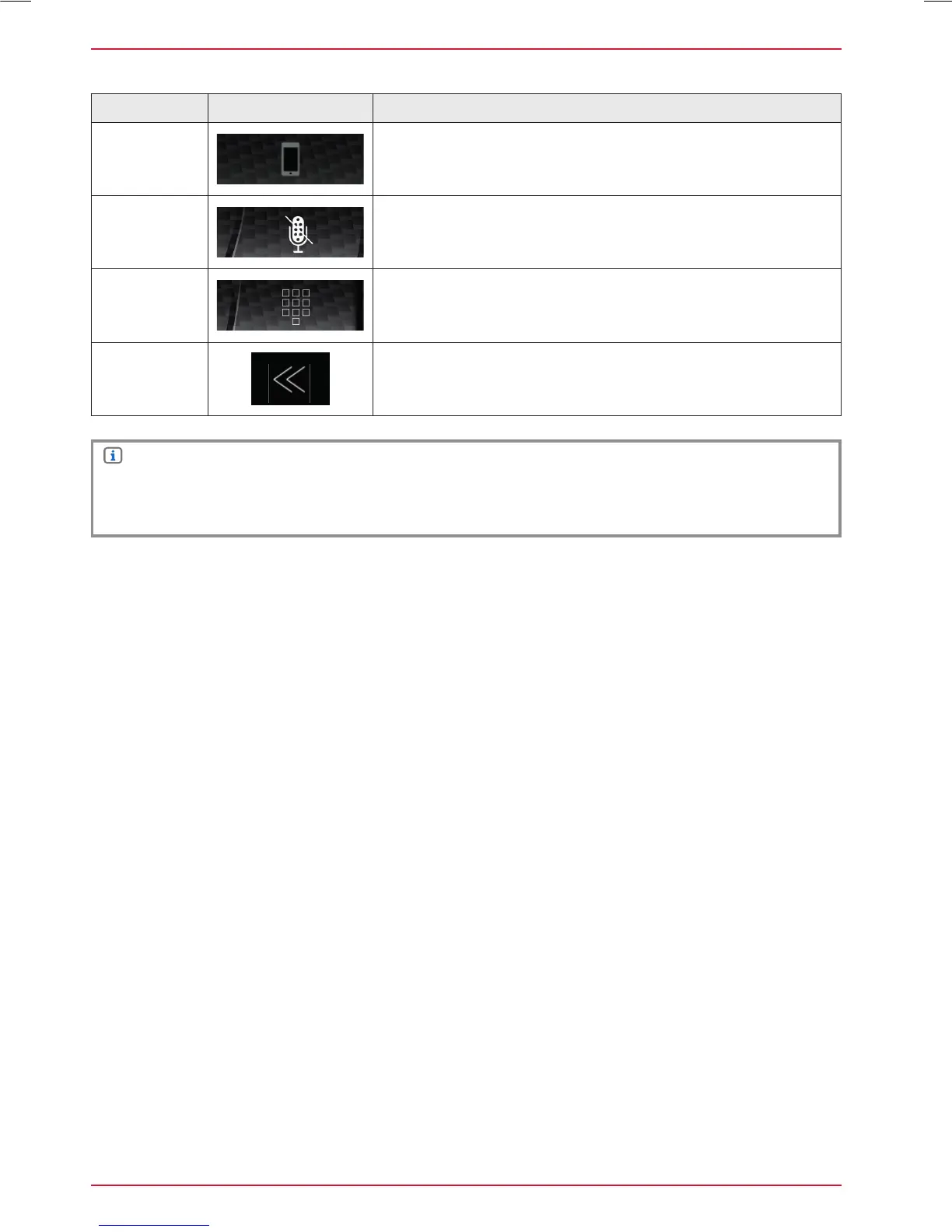
Function Icon Operation
Discrete
Touch to pass the call from the hands-free system to the
mobile phone or vice versa
Mute
conversation
Voice output muted/- unmuted
Numeric pad
Tap to show the numeric pad
Necessary in case the call asks to enter a number call
center, service selection, etc.)
Back
Tap to jump back to the previous level
NOTE
To be able to use the phonebook or call lists without any problems, make sure that during the
pairing process you confirm data access enable to the mobile phone.
BLUETOOTH MENU



 To Next Page