52 Rev.B
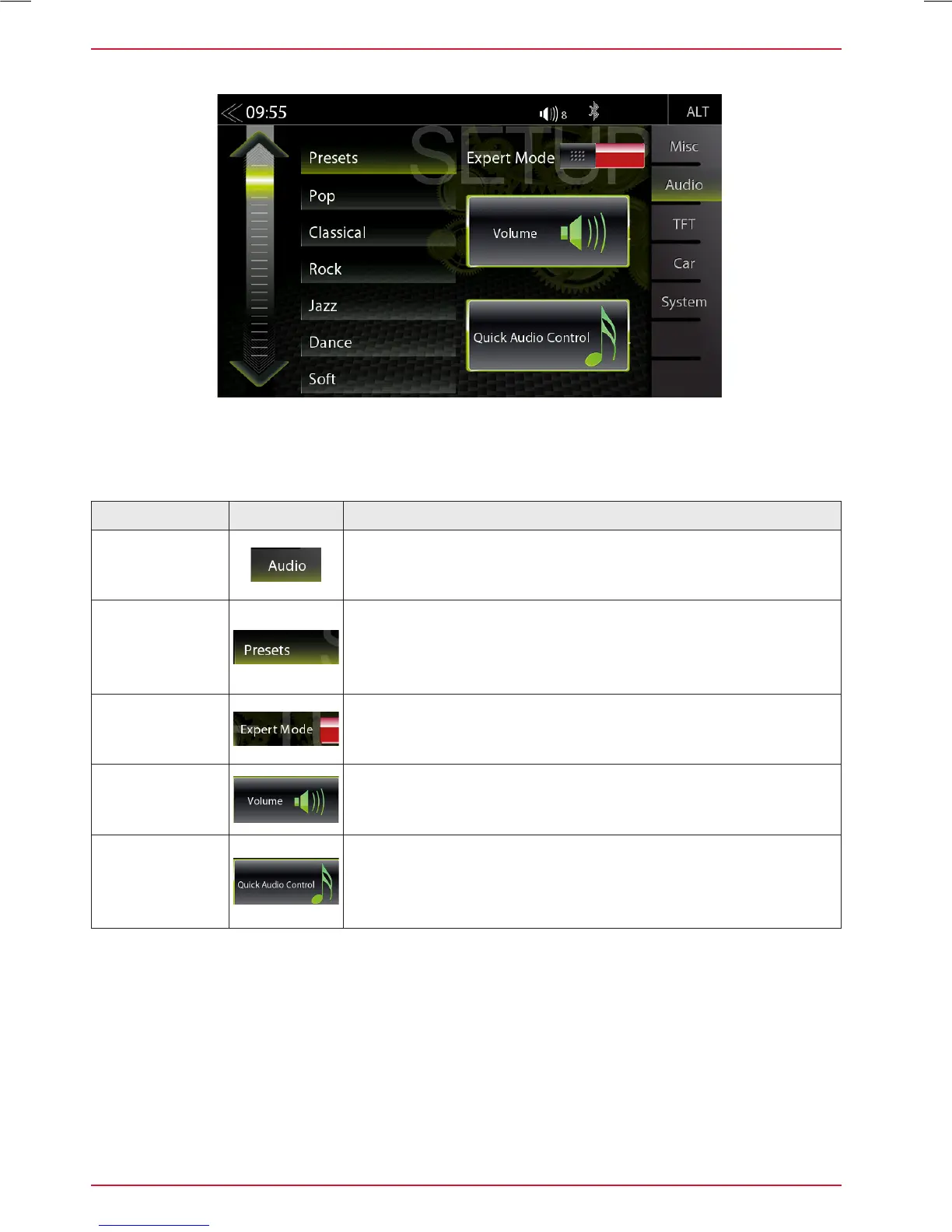
AUDIO SETUP
Function Icon Operation
Audio Tap to access and configure audio settings
Presets
Tap on one of the presets to change profile (Pop / Classic / Rock
etc.)
All changes made in the Expert Mode at the Equalizer will be
stored under the preset “User”.
Expert Mode
Tap to enable or disable expert mode. Tap to make advanced
sound configurations.
Volume
Tap to set initial and source volume levels
Audio
Control
Tap to access quick audio settings (Loudness / Subwoofer etc.)
This can also open by long pressing of the Home button.
In the Audio menu page, you can adjust settings around the sound, e.g. Volume of the sources,
loudness, bass and treble, etc.. The "Expert Mode" view extends the setting options by few points.



 To Next Page