12 Rev.B
Function Icon Operation
Back
Tap to jump one level up or back
Clock Time
Display of time (no interaction possible)
Traffic
Announcement
Traffic announcement (if function is set to active)
Volume
Shows the current playback volume
ALT
Tap to select / start a previously assigned function
Settings → Misc → ALT software button
Screenshot fehlt
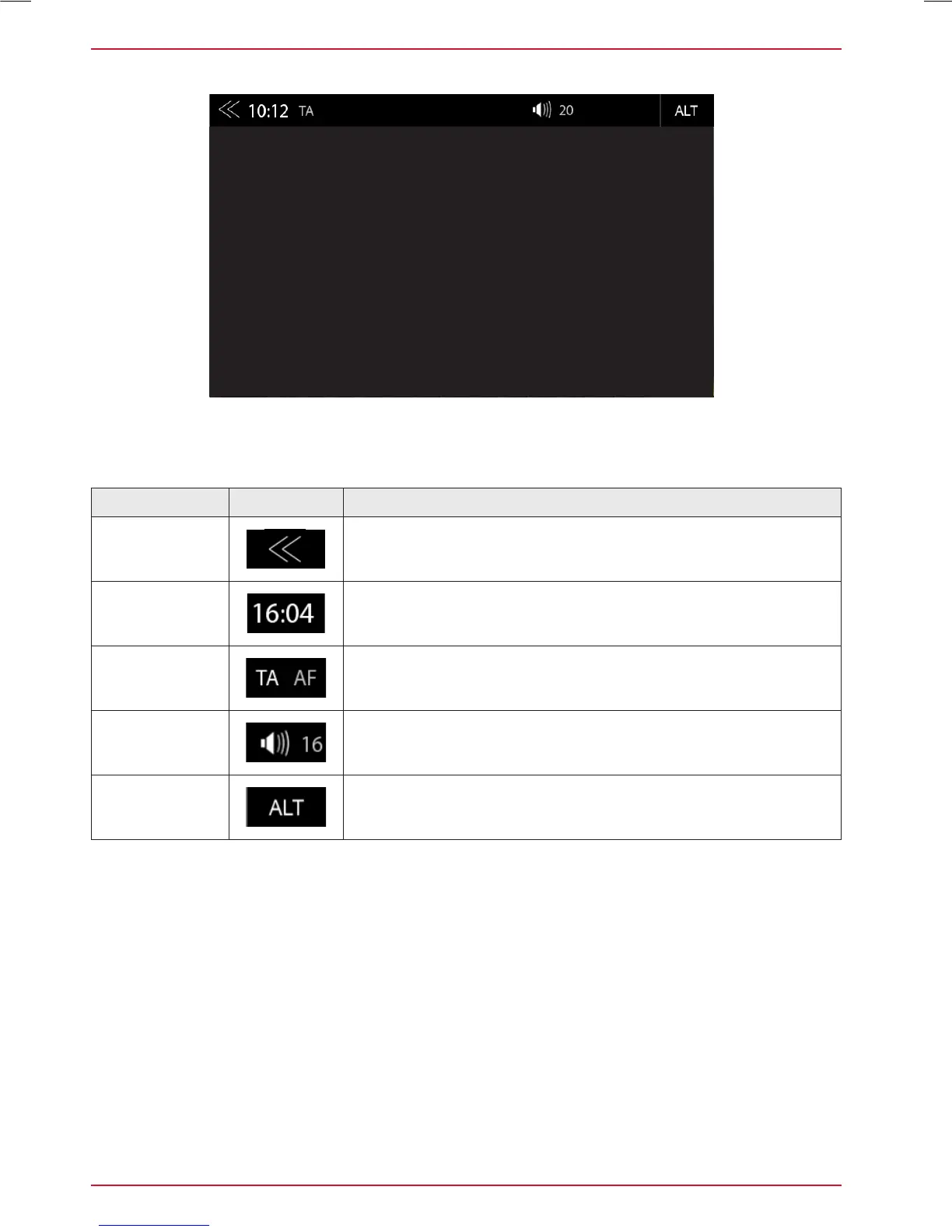
STATUS BAR (”INFO BAR”)
The „info bar in the upper hand screen area shows TA, volume and time but also contains two
important controls for device operation: BACK (left side) and ALT (right side).



 To Next Page