27 Rev.B
Function Icon Operation
Folder
(uppermost)
Tap to go to the next higher level
Folder
Touch to show the hard disc root content overview
Search
Tap to open keypad for search
Scroll
Scroll in the list:
Touch and hold to move the slider up or down
Tap and hold your finger on the list to move the list up or down
Video <-> Audio
Source
Tap to switch between audio or video playback. This function is
not supported for BT Audio iPod, and DVD
Back
Tap to switch back to audio playback
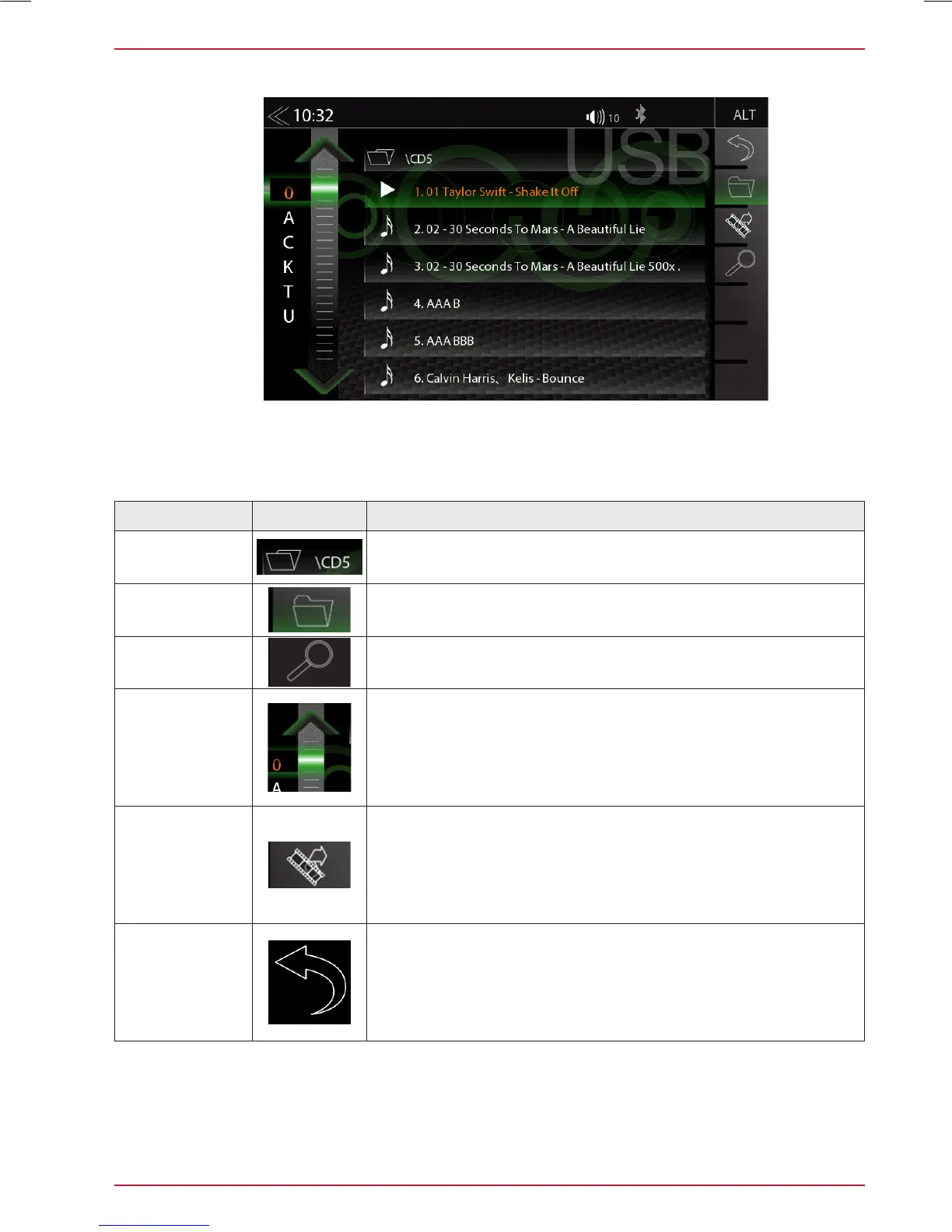
The playlist menu offers convenient navigation in your track list. You can a search for an artist or a
song by alphabet letter index. Selecting a track for playback is just as simple. Vertically swipe on the
audio tracks and tap to select. Or simply slide the bar graph pointer up and down.
PLAYLIST (AUDIO)



 To Next Page