18 Rev.B
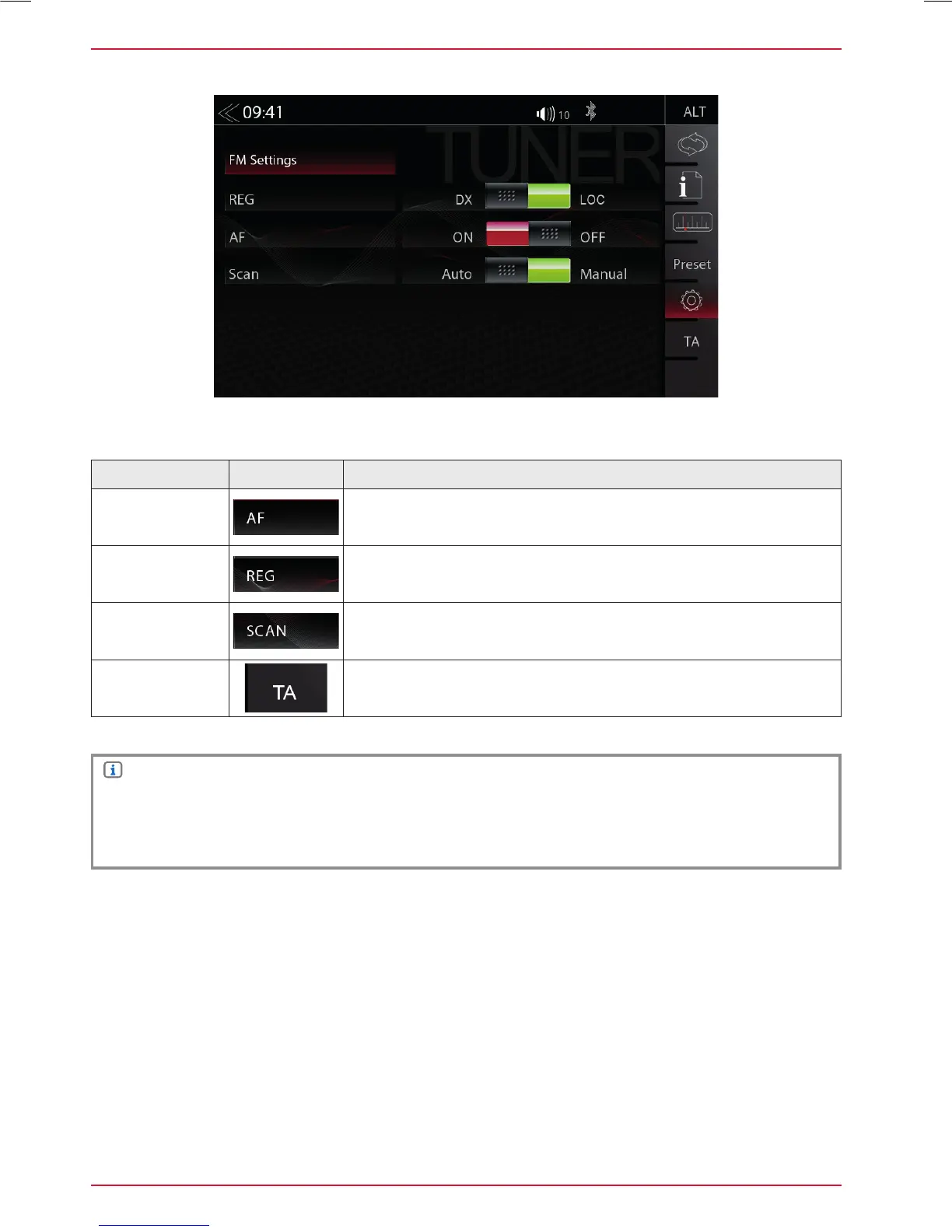
FM SETUP
Function Icon Operation
AF
Alternative Frequency ON / OFF
REG
Setting for search function sensitivity of auto scan
SCAN
Setting to choose the automatic or manual station frequency
search.
TA
Tap to activate or de-activate the auto switching of RDS traffic
announcements
Here you can set important FM RDS based settings such are AF and REG.
NOTE
Select DX to increase the general sensitivity during auto scan to stop at weaker, usually more
distant radio stations
Select LOC when you prefer to stop at local stations with a stronger signal level



 To Next Page