68 Rev.B
CAR INFORMATION (VEHICLE STATUS) - PAGE II
Function Icon Operation
Vehicle status
Tap to show the current CAR Information
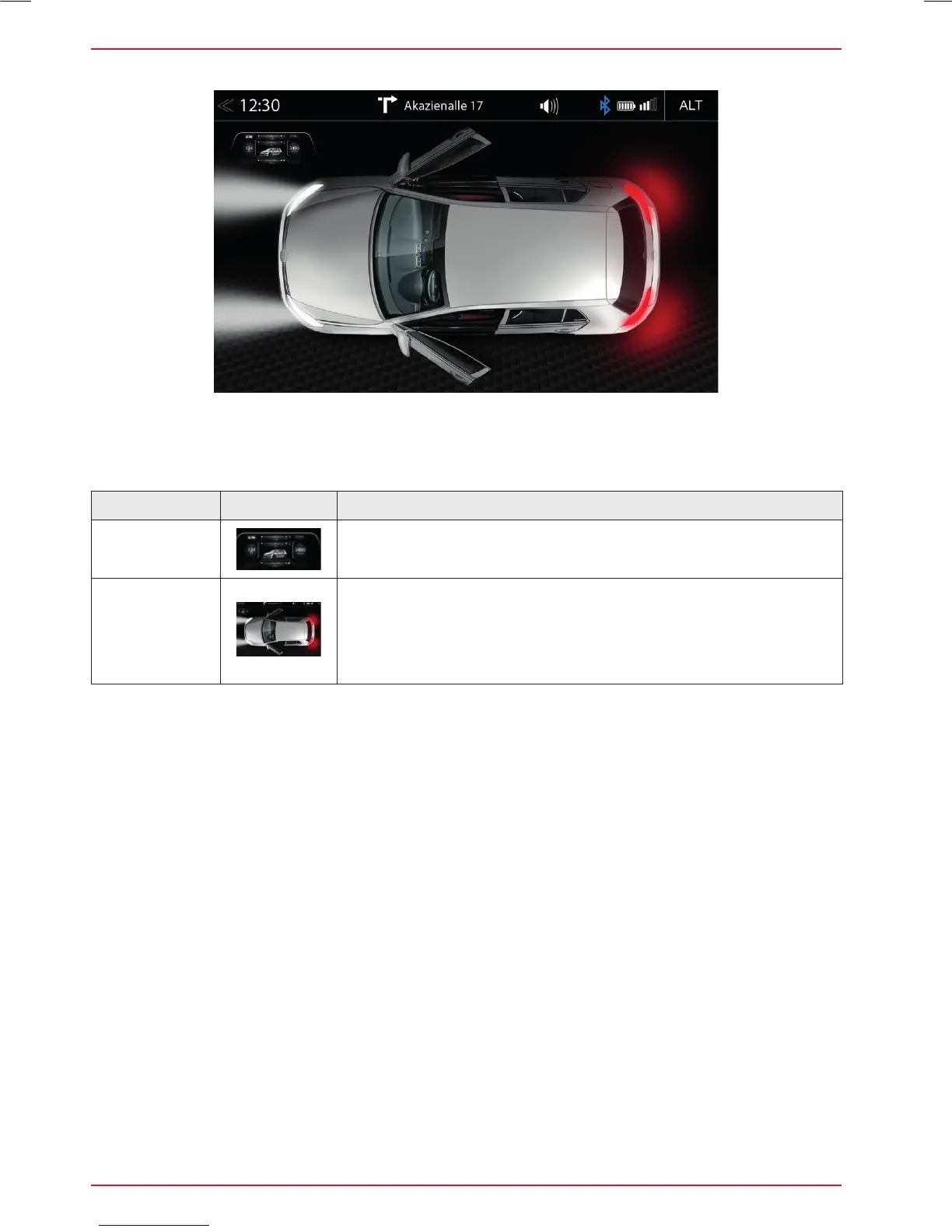
Vehicle door
status
Show the vehicle door status
(Visual status display of all doors, vehicle lights, car-trunk and
the engine bonnet)
- OPEN / CLOSED
- ON / OFF
The vehicle door status page visually shows several special operations and information
of the doors, lights, car-trunk and engine bonnet, by the ZENEC system.



 To Next Page