Take and folder operations
7DNHDQGIROGHURSHUDWLRQV),1'(5
46
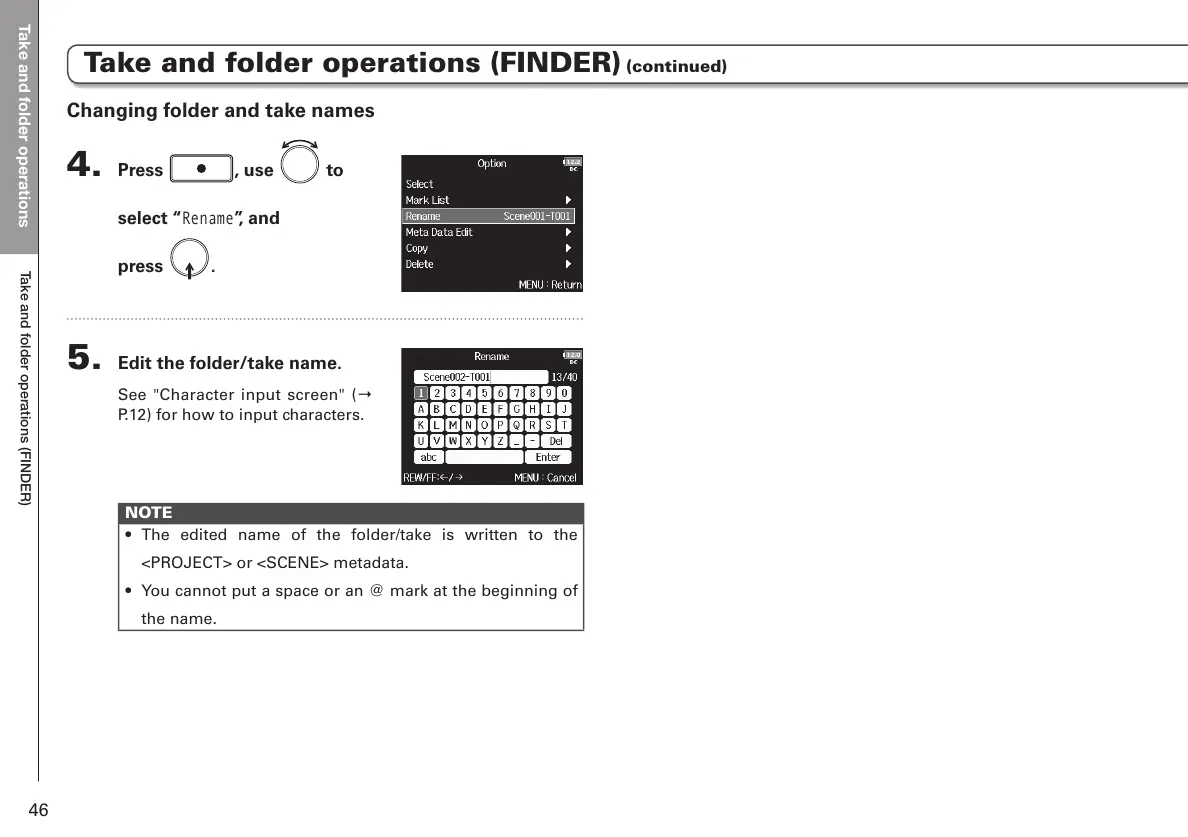
Changing folder and take names
4. Press , use to
select “
Rename
”, and
press
.
5. Edit the folder/take name.
See "Character input screen" (Ο
P.12) for how to input characters.
NOTE
• The edited name of the folder/take is written to the
<PROJECT> or <SCENE> metadata.
• You cannot put a space or an @ mark at the beginning of
the name.
Take and folder operations (FINDER) (continued)



 To Next Page