Output settings
Output Limiter
82
Output Limiter (continued)
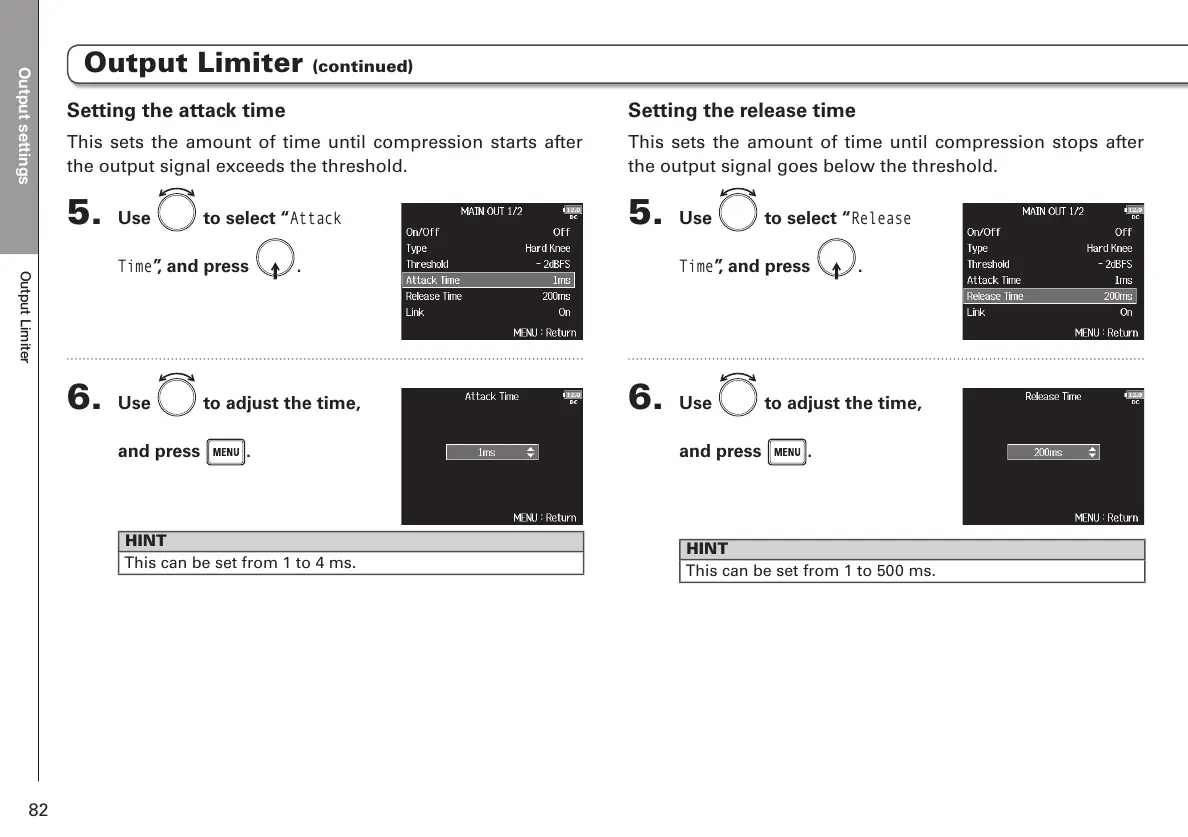
Setting the release time
This sets the amount of time until compression stops after
the output signal goes below the threshold.
5. Use to select “
Release
Time
”, and press .
6. Use to adjust the time,
and press
.
HINT
This can be set from 1 to 500 ms.
Setting the attack time
This sets the amount of time until compression starts after
the output signal exceeds the threshold.
5. Use to select “
Attack
Time
”, and press .
6. Use to adjust the time,
and press
.
HINT
This can be set from 1 to 4 ms.



 To Next Page