2N Access Unit Configuration Manual
Upon the first power up, the2NAccess Unitautomatically generates theSelf Signed
certificateandprivate keyfor theWeb serverandE-mailservices without forcing you to load
a certificate and private key of your own.
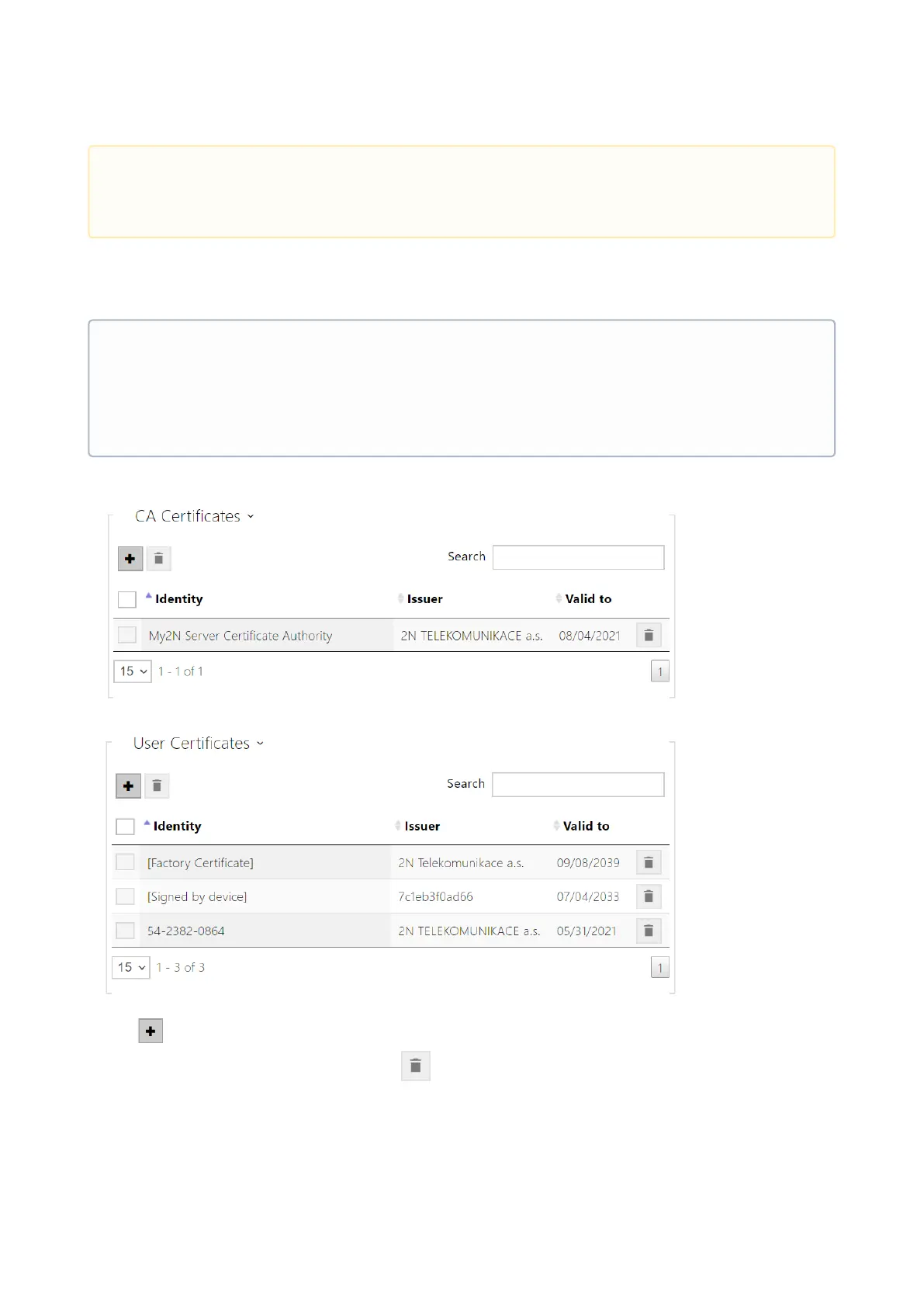
The current overview of CA and User certificate uploads is shown in the following two folders:
Press to load a certificate saved on your PC. Select the certificate (or private key) file in the
dialogue window and pushLoad. Press to remove a certificate from the intercom.
•
Caution
The CA certificates must use the X.509 v3 format.
•
Note
If you use the Self Signed certificate for encryption of the intercom web server –
browser communication, the communication is secure, but the browser will warn you
that it is unable to verify the 2NAccess Unit certificate validity.



 To Next Page