1.
Swipe left or right to go to the second idle screen.
2.
Tap ( ) to launch File Manager.
3.
Tap Photos/Videos/Audios in Local Storage field.
If a USB flash drive has been connected to your phone, you can tap Photos/Videos/Audios in the USB
Storage
field to view the files stored in USB flash drive.
4.
Select the check box before the desired file.
5.
Tap .
6.
Tap Email, and then select Always or Just once.
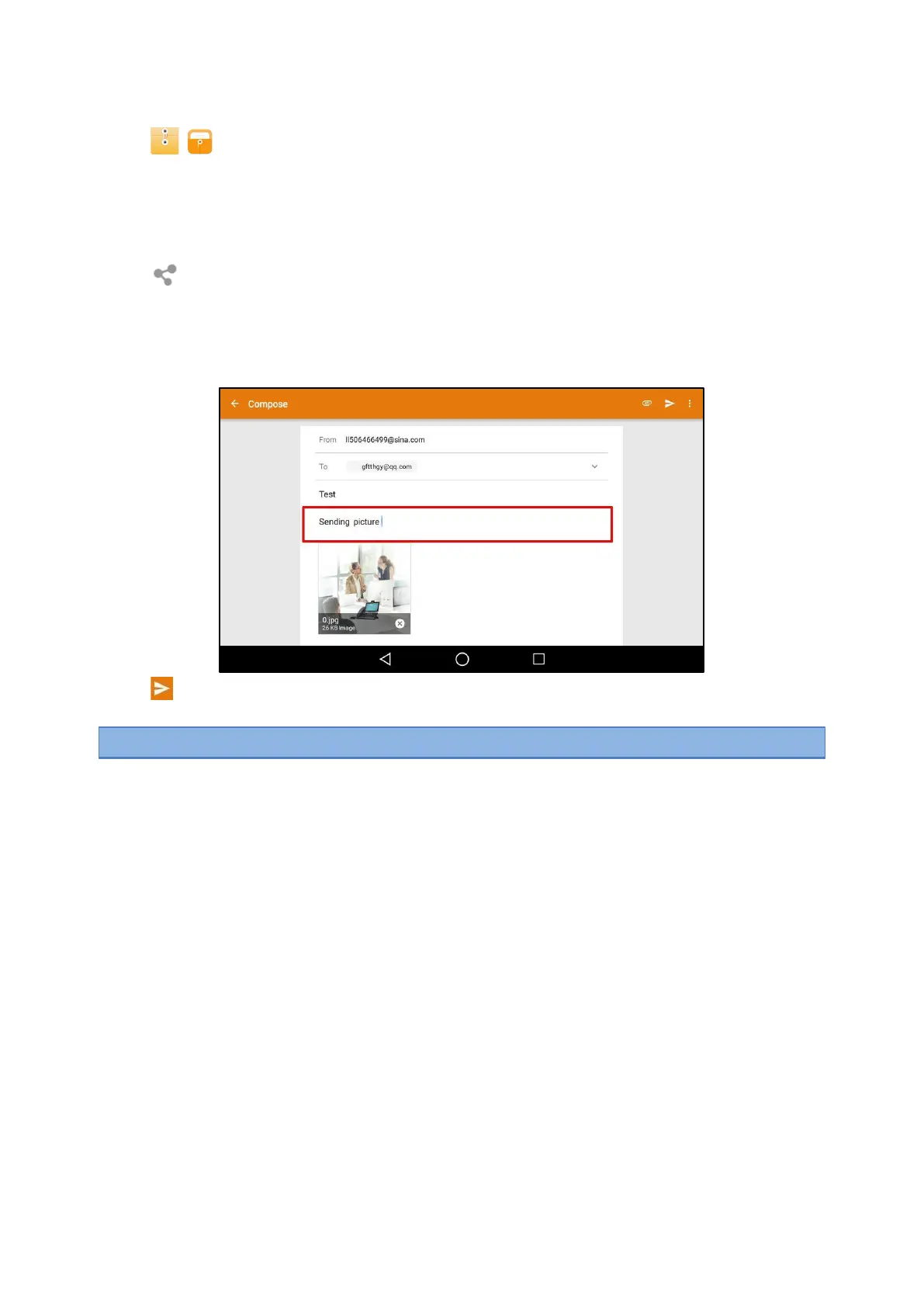
7.
Compose the email.
8.
Enter the email account you want to send the email to in the To field.
9.
(Optional.) Enter the email subject in the Subject field.
10.
Tap
to send the email.
The pictures/videos/audio are transferred as a mail attachment.
Note
: The attachment size must be within 5MB.
Related Topic
Signing in Email
Gallery
You can access the Gallery to do many operations for the listed pictures/videos. You can also take
pictures/videos
with it.
Topics
Viewing Pictures/Videos
Editing Pictures
Setting a Picture as Wallpaper
Printing Pictures
Deleting Pictures/Videos
Taking a Picture/Video
Sharing Pictures/Videos via Bluetooth
Sharing Pictures/Videos via Email
Viewing Pictures/Videos
You can view the pictures/videos on your phone in different ways.



 To Next Page