The connection will be completed successfully with a prompt appears under the Bluetooth headset name.
The Bluetooth icon appears in the status bar.
Related Topic
Activating the Bluetooth
Mode
Pairing and Connecting the Bluetooth-enabled Mobile Phone
When you need to use the phone to handle the mobile phone's calls, you can pair and connect the Bluetooth-
enabled mobile phone.
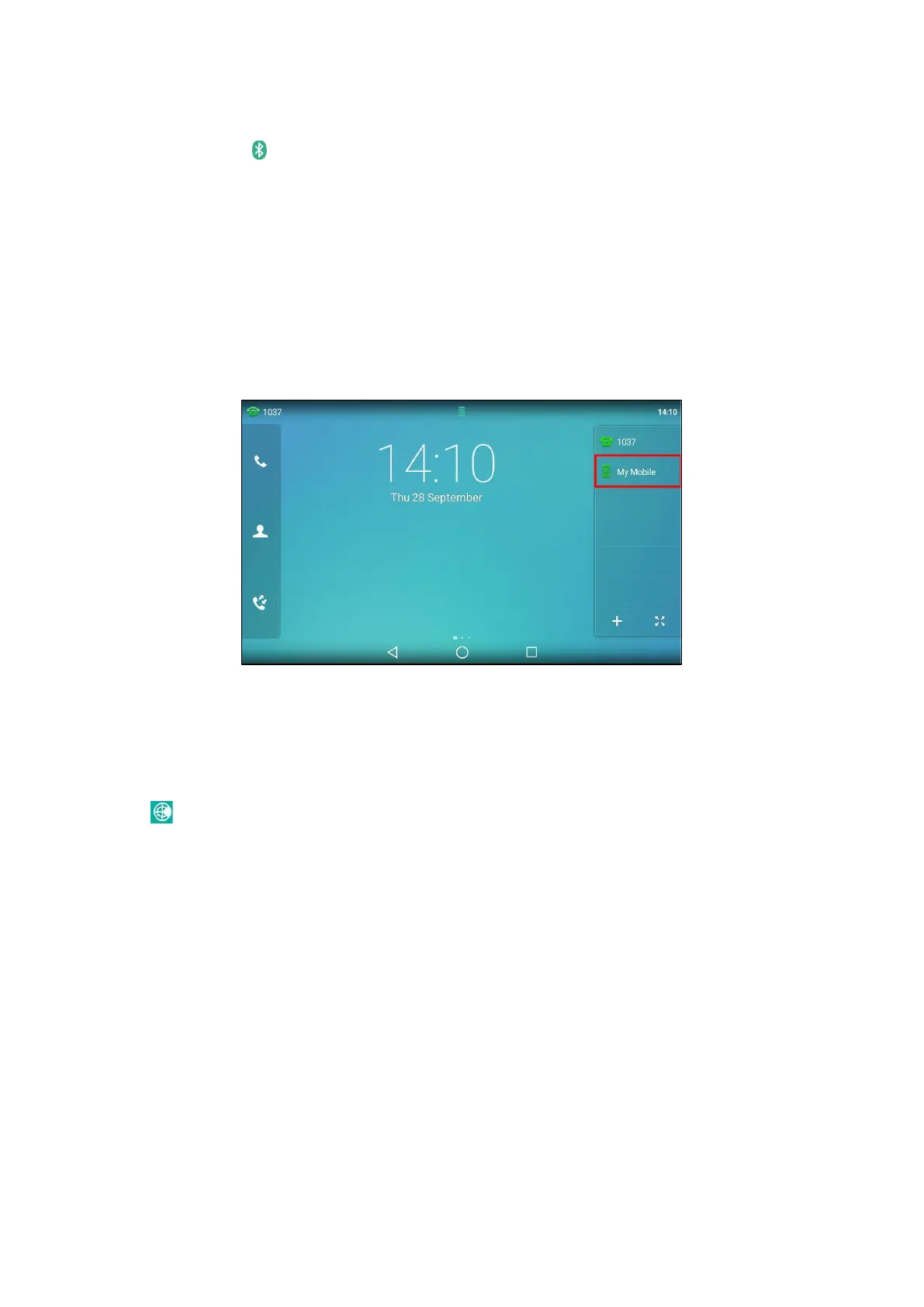
You can only connect one Bluetooth device at a time. After connection, the phone will automatically find an
available line key and assign the line key for Mobile Account. The Mobile Account key’s default label is “My
Mobile”. If
there is no available line key, you may assign it manually.
Before You Begin
Make sure that the Bluetooth-enabled mobile phone is discoverable.
Procedure
1.
Swipe left or right to go to the second idle screen.
2.
Go to Settings > Basic Settings > Bluetooth.
3.
Tap
to search for the Bluetooth devices.
4.
Tap the desired Bluetooth-enabled mobile phone.
5.
Tap Pair on both mobile phone and phone.



 To Next Page