EasyManua.ls Logo

2N D7A - Signing into Calendar; Creating an Event

2N D7A
180 pages
Print Icon
To Next Page IconTo Next Page
To Previous Page IconTo Previous Page
Loading...
134
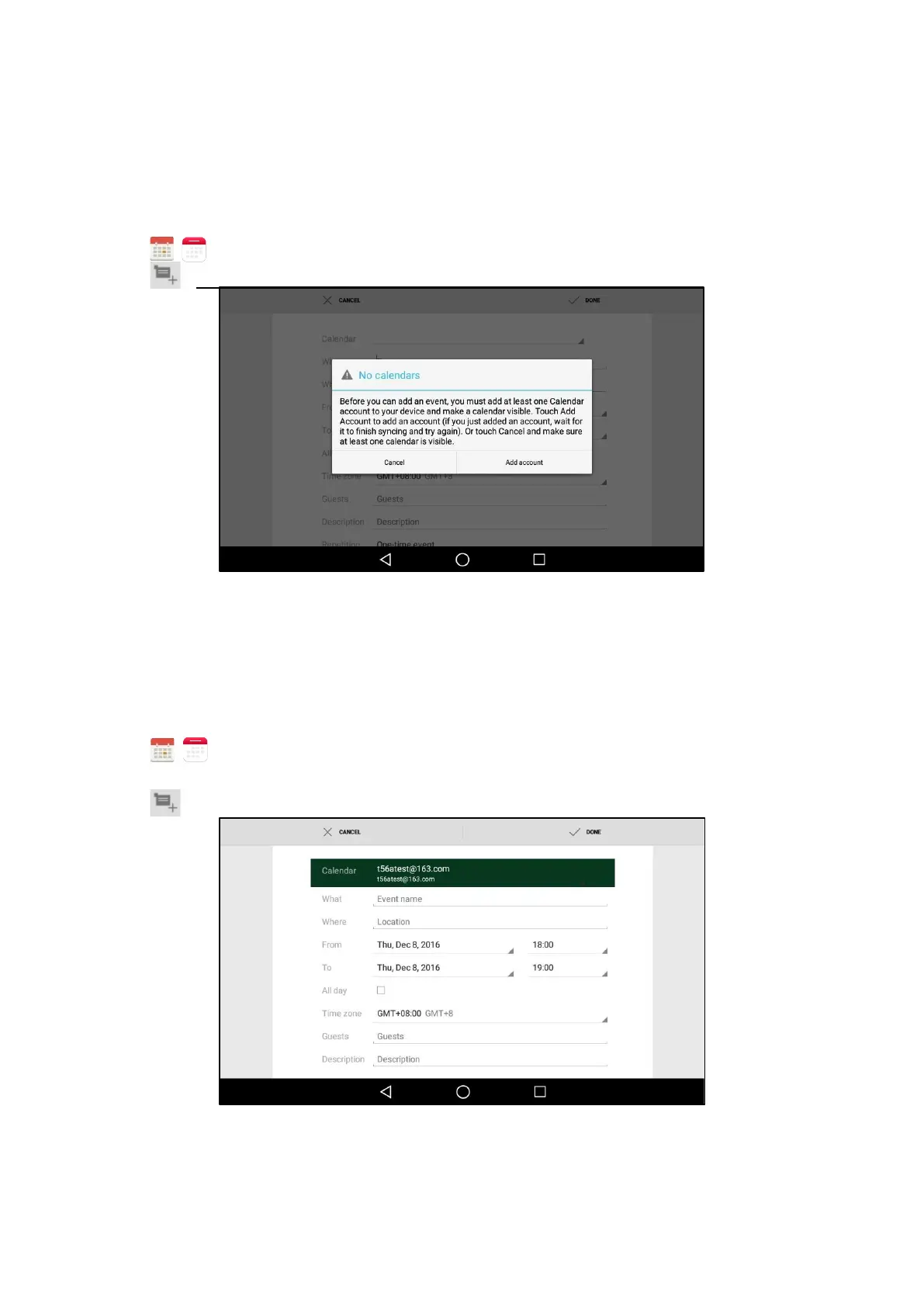
Signing Into Calendar
Before creating an event, you should sign into the calendar with an email account first. If you have
registered an
account on the Email already, you can skip this step.
Procedure
1.
Swipe left or right to go to the second idle screen.
2.
Tap
(
) to launch Calendar.
3.
Tap
.
4. Tap Add account.
5.
Sign into the Calendar according to the setup wizard.
Creating an Event
You can create an event in the Calendar to remind you of the important issues.
Procedure
1.
Swipe left or right to go to the second idle screen.
2.
Tap ( ) to launch the Calendar.
3.
Select the desired date.
4.
Tap .

Table of Contents

Other manuals for 2N D7A