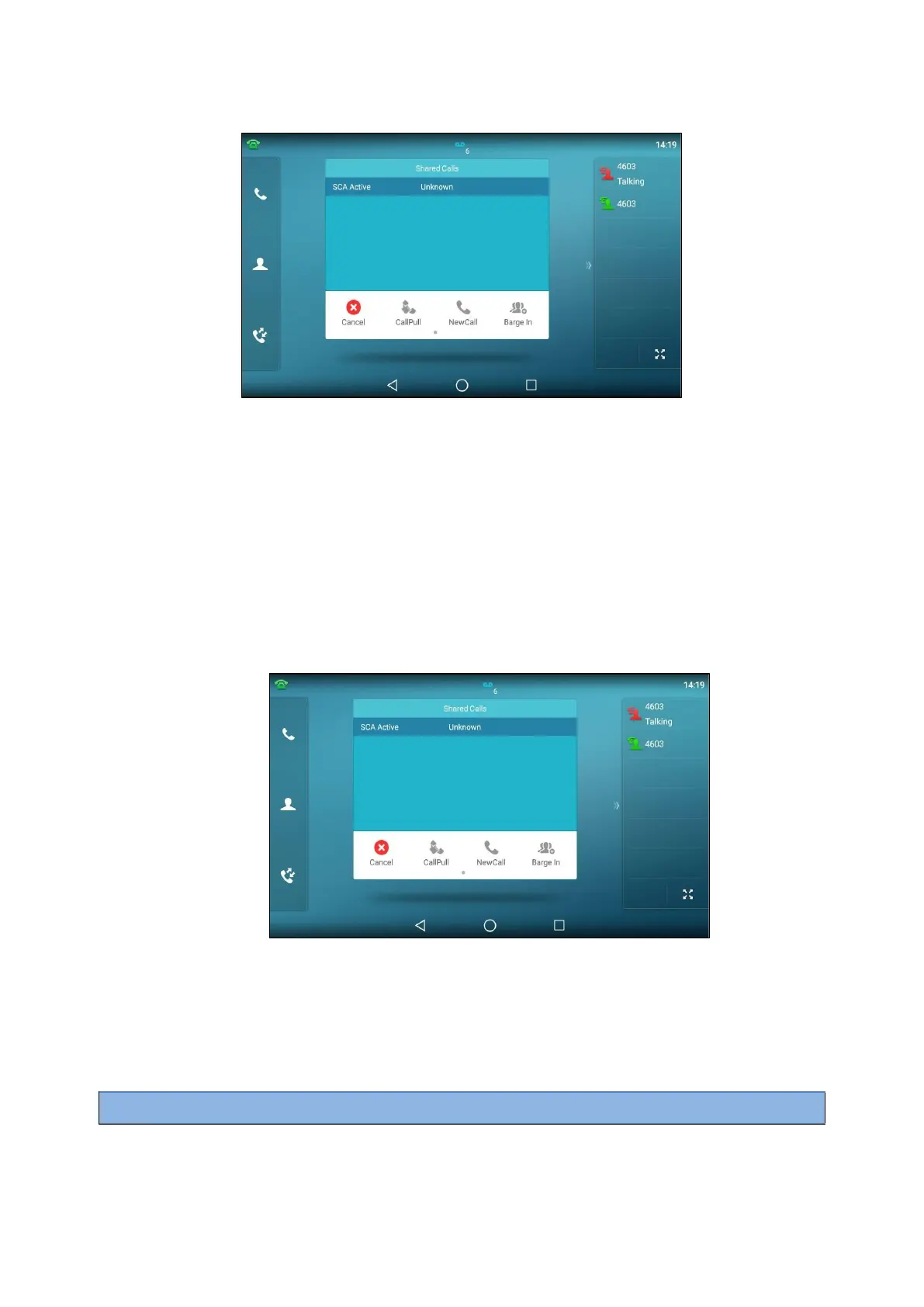
1.
Long tap the desired line key.
The Cancel, CallPull, NewCall and Barge In appear on the screen.
2.
Select Barge In to interrupt the active call.
Pulling a Shared Call on a Shared Line
In SCA scenario, both you and other users can pull an existing call from another shared phone that is an
active or
hold state.
Check with your system administrator to find out if this feature is available for your phone.
Before You Begin
There is an active or held call on the shared line.
Procedure
1.
Long tap the shared line key.
2.
Select CallPull to pull the call.
Intercom
Intercom is a useful feature in an office environment to quickly connect with the operator or the secretary.
Intercom enables you to place an intercom call that is answered automatically on the contact's phone as long as
the
contact is not in an active call.
Note
: Intercom is not available on all servers. Contact your system administrator for more information.



 To Next Page