6.
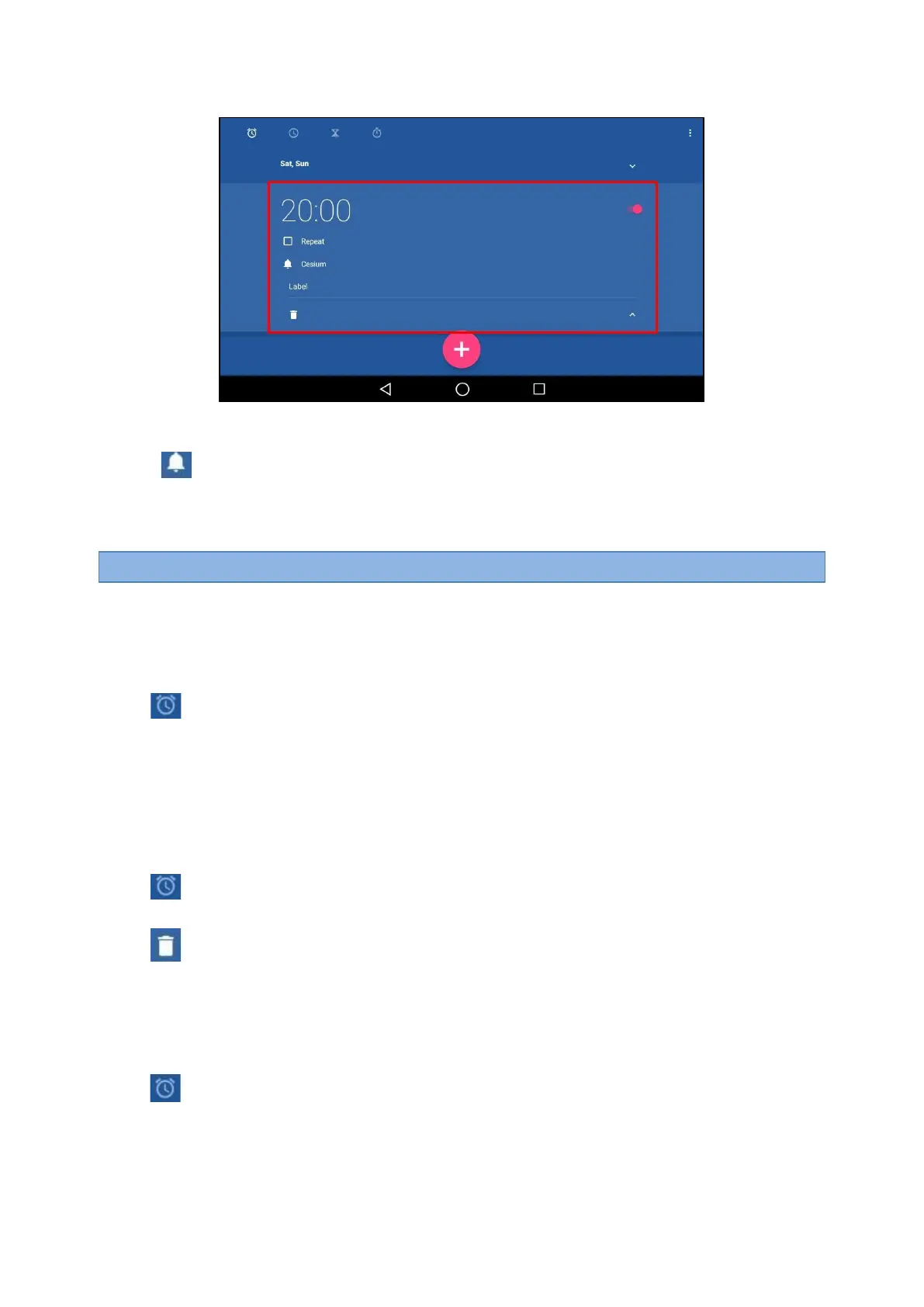
You can do the following:
l
Select the Repeat check box, and then tap the repeat day of the alarm.
l
Tap
.
Select a desired ring tone for the alarm, and then tap OK.
l
Tap the Label field.
Enter a label for the alarm, and then tap OK.
Note
: If you have set the time format as
12 Hour
, you need to select
AM
or
PM
when setting the alarm time.
Editing an Alarm Clock
According to your needs, you can edit the alarm clocks.
Procedure
1.
Tap the digital clock widget on the home screen.
2.
Tap .
3.
Drag up and down to select the desired alarm.
4.
Tap the desired option to edit the alarm clock.
Deleting an Alarm Clock
When you no longer need the alarm clock, you can delete it.
Procedure
1.
Tap the digital clock widget on the home screen.
2.
Tap
on the top-left of the phone screen.
3.
Tap the desired alarm.
4.
Tap
on the bottom-left of the alarm to delete the desired alarm.
Setting the Alarm Parameters
You can set the alarm parameters to make your alarm clock more personalized.
Procedure
1.
Tap the digital clock widget on the home screen.
2.
Tap .



 To Next Page