Procedure
1.
Swipe left or right to go to the second idle screen.
2.
Tap
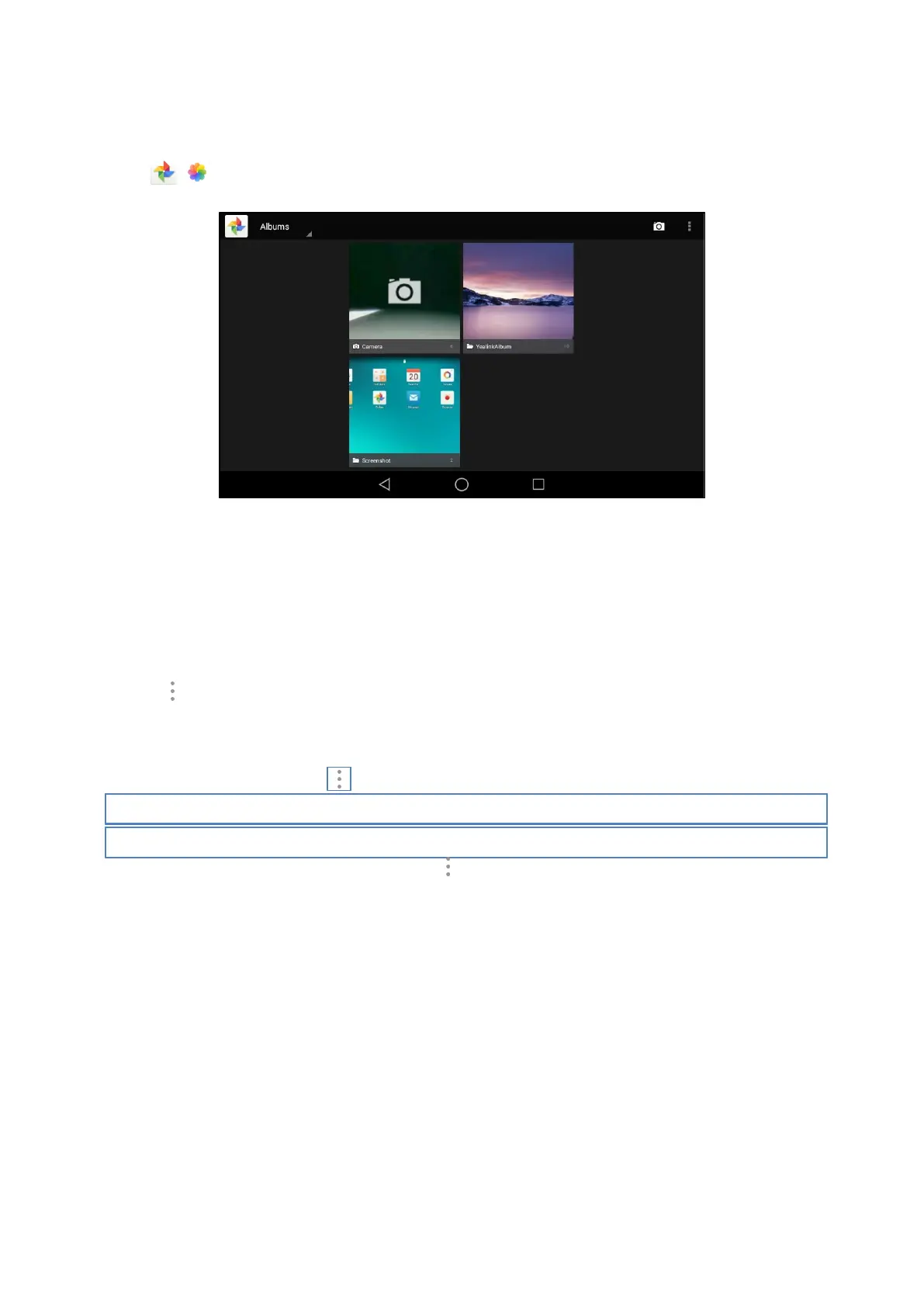
( ) to launch the Gallery.
By default, the pictures/videos are displayed as thumbnails in the albums arrangement mode.
3.
(Optional.) Tap Albums.
You can tap Albums/Locations/Times/People/Tags to view the pictures/videos in different arrangement
modes.
4.
Swipe left/right to view all albums if required.
5.
Select the desired album.
6.
You can do the following:
l
Tap the album name on top-left of the phone screen.
Select Filmstrip view or Grid view to view the pictures/videos in different modes.
l
Tap
, and then tap Group by.
Select a desired group type in the pop-up dialog box to view the pictures/videos in different arrangement
modes.
7.
Tap a desired picture/video to preview the picture/video.
8.
For picture albums, you can tap > Slideshow to start a slide show of the pictures in the album.
Note
The menu keys and Android keys will disappear after 5 seconds, you may tap the phone screen to show them again.
You can also select a desired picture/video and tap
> Details to view the detailed information.
Editing Pictures
You can edit the pictures in the Gallery.
Topics
Rotating Pictures
Adding a Filter for Pictures
Adding a Frame for Pictures
Cropping Pictures
Coloring Pictures
Rotating Pictures
You can rotate the picture as you want.



 To Next Page