Changing the Language
Your phone supports several languages that you can choose to use on the phone.
Contact your system administrator to find out exactly which languages are supported on your phone.
Procedure
1.
Swipe left or right to go to the second idle screen.
2.
Go to Settings > Basic Settings > Language & Input > Language.
3.
Select the desired language.
4.
Select .
The phone language is changed to the selected one.
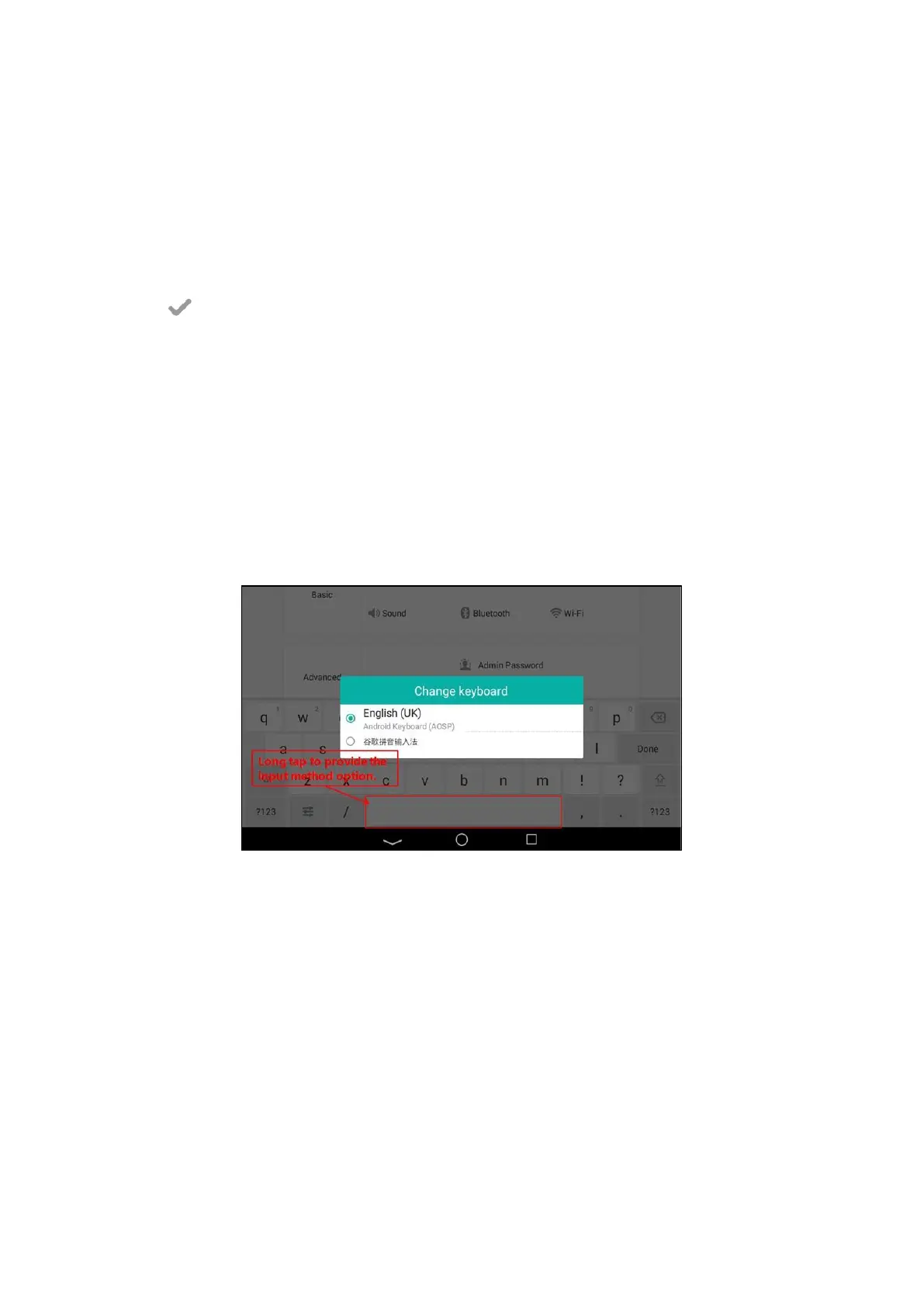
Changing the Input Method
The phone supports two kinds of input methods: English (UK) and 谷歌拼音
输
入法. The default input method
is
English (UK). You can change the currently used input method.
Procedure
1.
Swipe left or right to go to the second idle screen.
2.
Go to Settings > Basic Settings > Language & Input > Current Input.
3.
Select the desired input method.
You can also long tap the following keys on the onscreen keyboard to change the input method.
For English (UK) input method:
For 谷歌拼音输入法:



 To Next Page