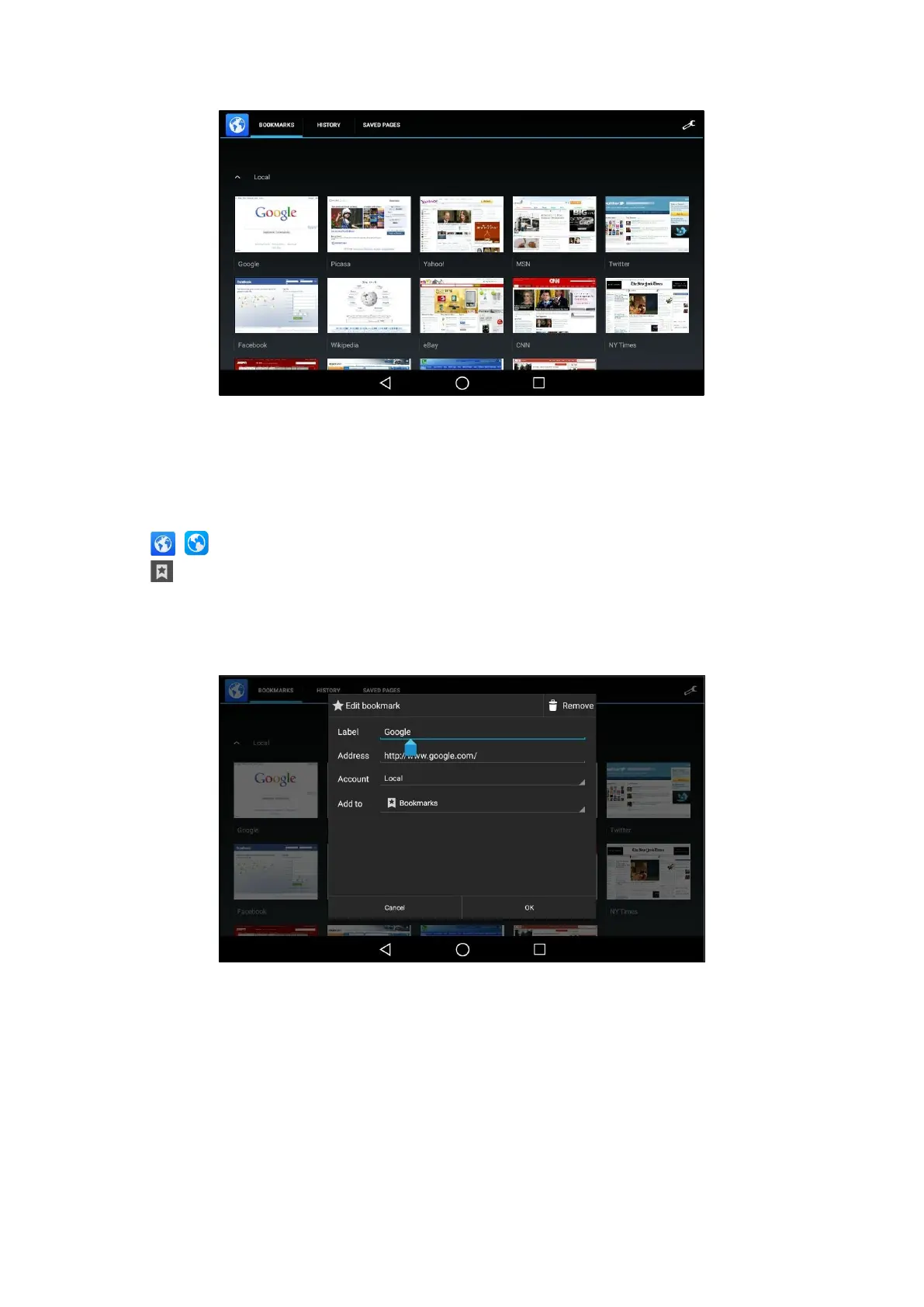
4.
Tap the web page you want to visit.
Editing a Bookmark
You can edit the details of your bookmark for better recognition.
Procedure
1.
Swipe left or right to go to the second idle screen.
2.
Tap ( ) to launch the Browser.
3.
Tap to access the BOOKMARKS list.
A list of web pages that you've bookmarked will appear.
4.
Long tap the bookmark you want to edit.
5.
Tap Edit bookmark in the pop-up dialog box.
6.
Edit the bookmark.
7.
Tap OK.
Deleting a Bookmark
When you do not need the bookmark anymore, you can delete it.
Procedure



 To Next Page