EasyManua.ls Logo

Adixen ASM GRAPH D+ - B 310 - Controlling the detector with a PC computer through the RS 232 interface

Default Icon
336 pages
Print Icon
To Next Page IconTo Next Page
To Previous Page IconTo Previous Page
Loading...
B
310
GB 01368 -
Edition
04 -
June
08
Controlling the detector with a
PC
computer through the
RS
232 interface
Purpose
of the
PC
computer
inter
face
Location
of
the
RS
232
inter
face
RS
232
inter
face
instr
uctions
Commands
available for your
leak
detector
The RS
232 interface
makes
it possible to control the leak detector
with a
PC
compatible computer.
It is a Sub D 9 pin Male connector.
Connect
the
detector
to the installation
B
210/211
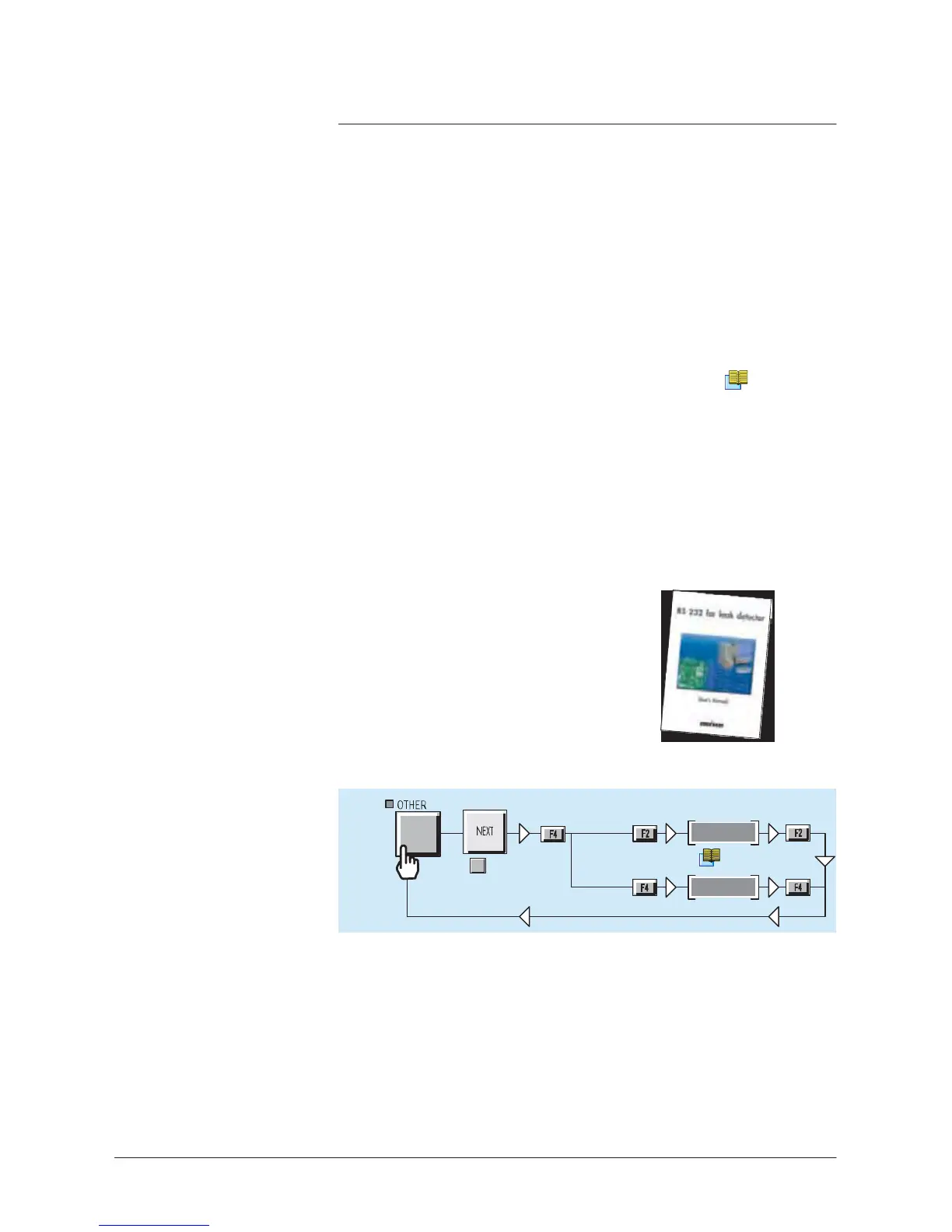
A specific manual
describes
to the operator all the commands
available with the
RS
232
manufacturer
protocol.
It is delivery with your leak detector.
Only the
commands
which correspond to the
fonctions
of your leak
detector
are available.
See
details in the
RS
232
Users
manual.
RS
232
inter
face
setting
2x
(1x
NEXT
for
ASM 142
S
and ASM 102
S)
Mode
Handshake
A
d
j
u
s
t
me
n
t
C
110
A
d
j
u
s
t
me
n
t
Connection
checking
of
RS
232 interface
You can start up an
autotest
in order to check the
connection
PC/leak
detector.
Leak detector
stationary,
connect
the both ends of
RS
232 cable
(depending on wiring
recommended)
on each of Sub 9 pins
connectors.
1/2

Table of Contents

Related product manuals