UTILITIES DIAGNOSTICS
UTIL
B5291
3-147
Utilities
Diagnostics
Get to the diagnostic utilities by scrolling on the Utilities main screen (Fig. 3-93).
Select a diagnostic utility using the numeric keypad:
0 Inst. Status (this page)
1 Operating Time (page 3-149)
2 Build Config. (page 3-150)
3 Latch Access (page 3-150)
4 Attenuator (page 3-150)
Diagnostics: Inst. Status
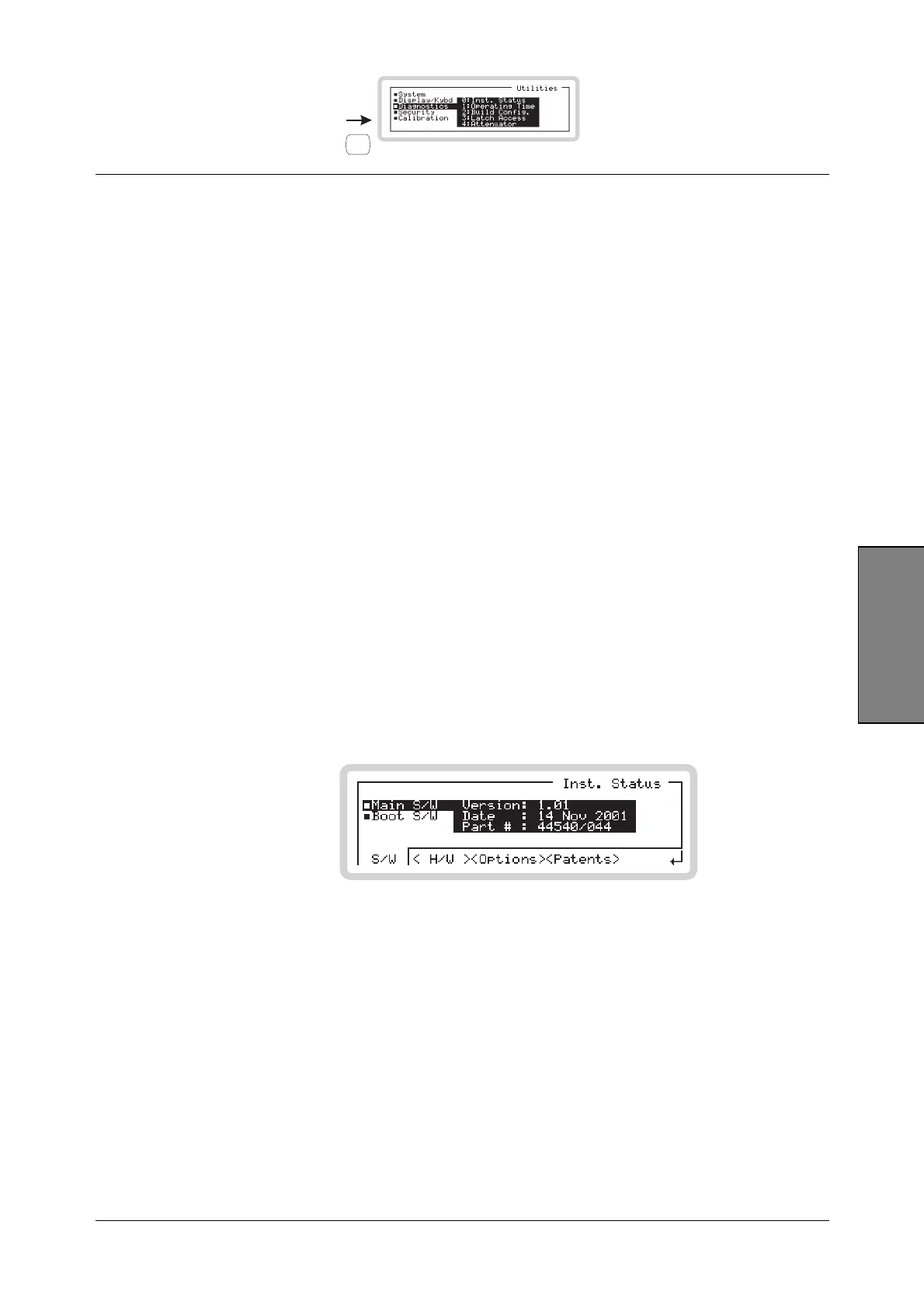
Press 0 on the numeric keypad to see the instrument status screen (Fig. 3-113).
From this screen, you can:
• View software and hardware status
• View which options are fitted
• View applicable patents.
Inst Status menu — <S/W>
B5307
Fig. 3-113 Software status
You can view details of the instrument’s software status:
version number
version date
version part number.



 To Next Page