LOCAL OPERATION RF LEVEL
SIG
GEN
B5196
...
B5621
3-28
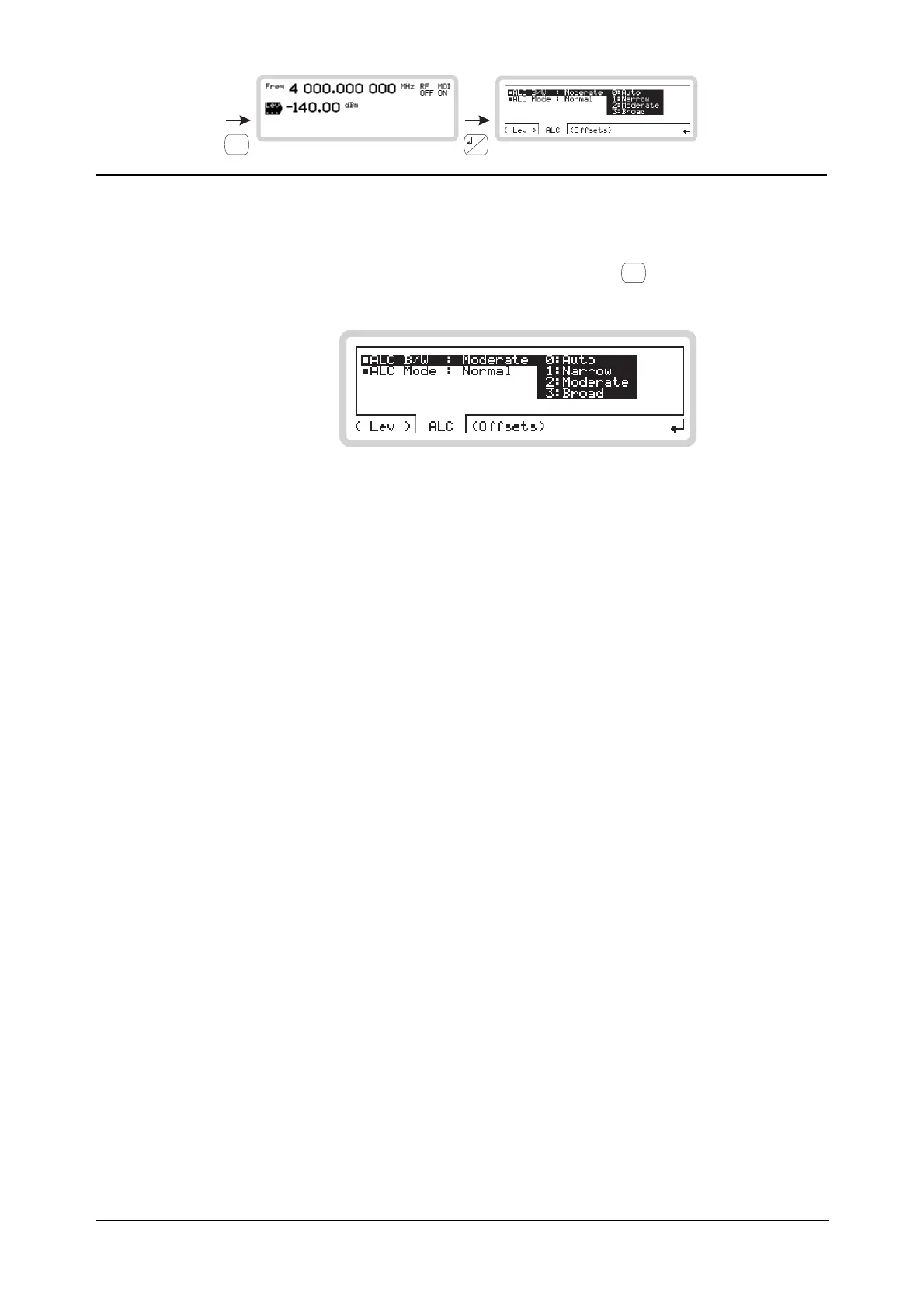
RF level menu — <ALC>
From this menu, you can specify how the RF output leveling is controlled.
From the RF level menu of Fig. 3-21, touch <ALC> or press
<TAB>
to display the ALC screen
(Fig. 3-22).
B5621
Fig. 3-22 ALC
ALC B/W
Use the numeric keypad to specify the automatic level control bandwidth:
0
Auto ALC bandwidth is set automatically depending on the modulation type,
source and characteristics. For internal IQ modulation, the instrument first
reads the modulation identifier of the selected waveform. For CDMA type
waveforms, it sets the ALC bandwidth to Broad. For non-CDMA type
waveforms, it reads the bandwidth value in the header and sets the
bandwidth to give the fastest settling time consistent with good signal
quality (modulation accuracy and ACPR).
1
Narrow Selects the slowest (largest) time constant.
2
Moderate Selects the intermediate time constant.
3
Broad Selects the fastest (smallest) time constant.



 To Next Page