LOCAL OPERATION SWEEP
3-109
Sweep
Sweep
Press
SWEEP
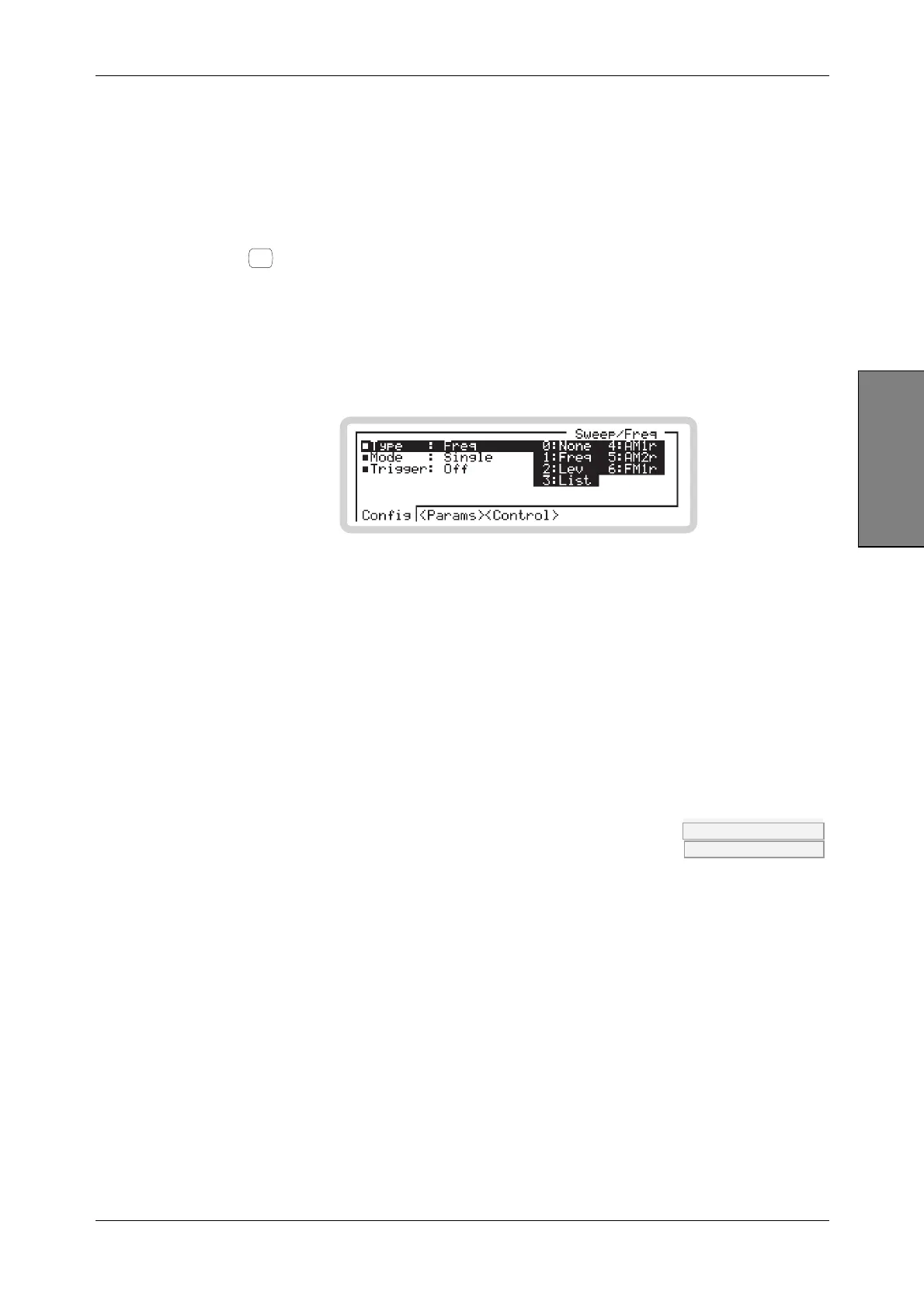
to see the main sweep screen (Fig. 3-78), from which you can set up all aspects of the
instrument’s sweep operation.
• If you have not selected a sweep type (Sweep Type is None), this is the screen that first
appears.
• If you have already selected a sweep type, the sweep <Control> screen (page 3-113) is the first
to appear.
B5794
Fig. 3-78 Main sweep
Sweep menu — <Config>
From this menu, you can:
• Define the parameter (frequency, RF level, list, modulation rate (r)) that is to be swept
• Define whether the sweep is to be continuous or single-shot
• Define how the sweep is controlled.
Type FREQ:MODE page 4-35
POW:MODE page 4-153
Use the numeric keypad to specify the parameter that is to be swept:
0 None sweep disabled
1 Freq sweep the carrier frequency
2 Lev sweep the RF level
3 List sweep list table entries — see page 3-115
and then (if you have set up a modulation) a selection from:
4–6 Am1/2r sweep AM1 or AM2 modulation rate
Fm1/2r sweep FM1 or FM2 modulation rate
Pm1/2r sweep ΦM1 or ΦM2 modulation rate



 To Next Page