LOCAL OPERATION GETTING STARTED
3-13
Introduction
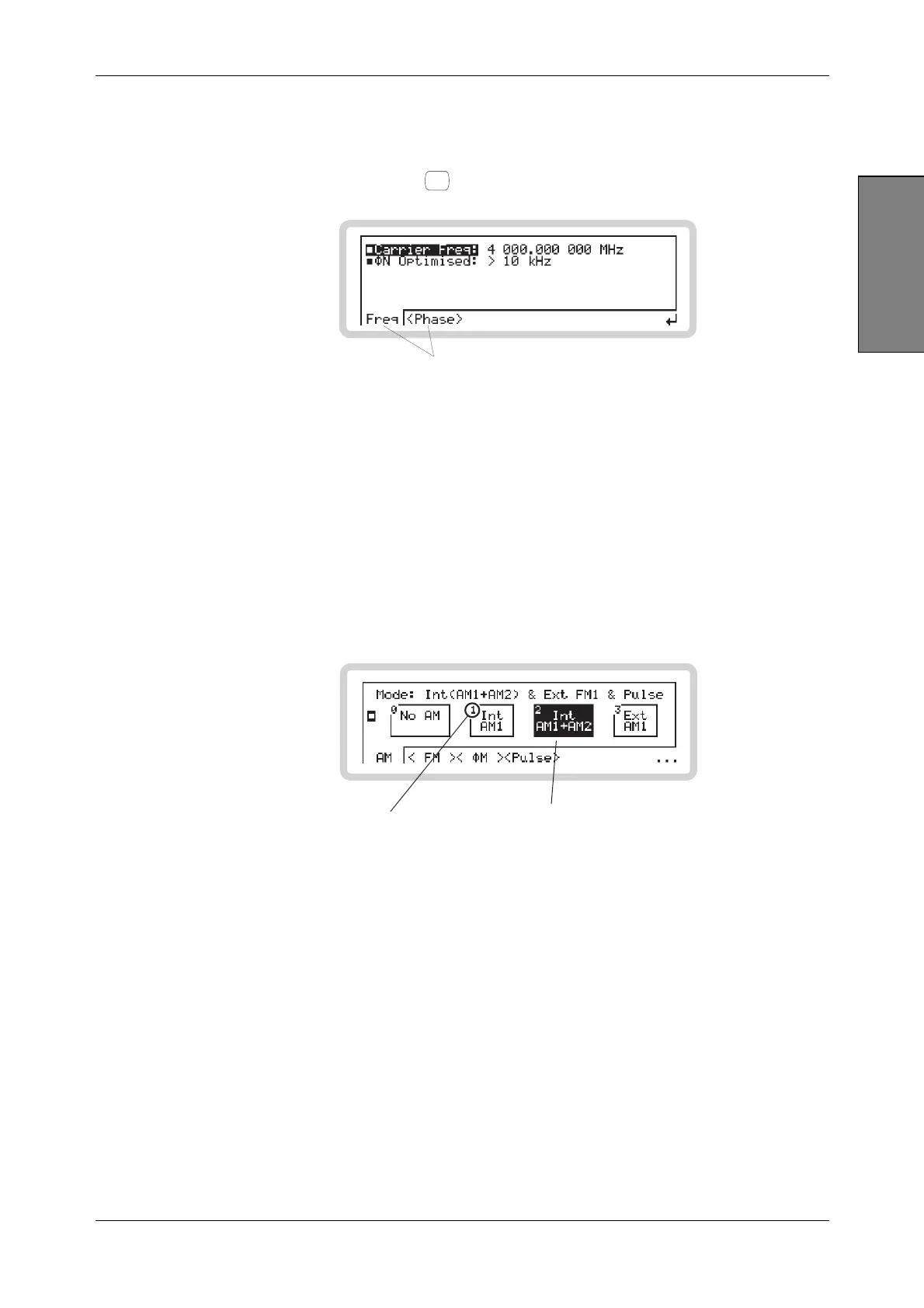
Soft tabs
Soft tabs appear at the bottom of the screen.
Touch these to select them, or use
<TAB>
to scroll through them.
B5791
Soft tabs
Soft boxes
Soft boxes can appear anywhere on the screen. Mostly, they allow you to control operations (for
example, sweeping) or provide choices of configurations (for example, between different sorts of
modulation).
To select a soft box:
• Touch it
or
• enter, on the numeric keypad, the number shown in the corner of the soft box — the keypad
command.
B5281
Keypad command
Soft box
(highlighted)



 To Next Page