LOCAL OPERATION RF LEVEL
SIG
GEN
B5196
...
B5907
3-25
Carrier/RF
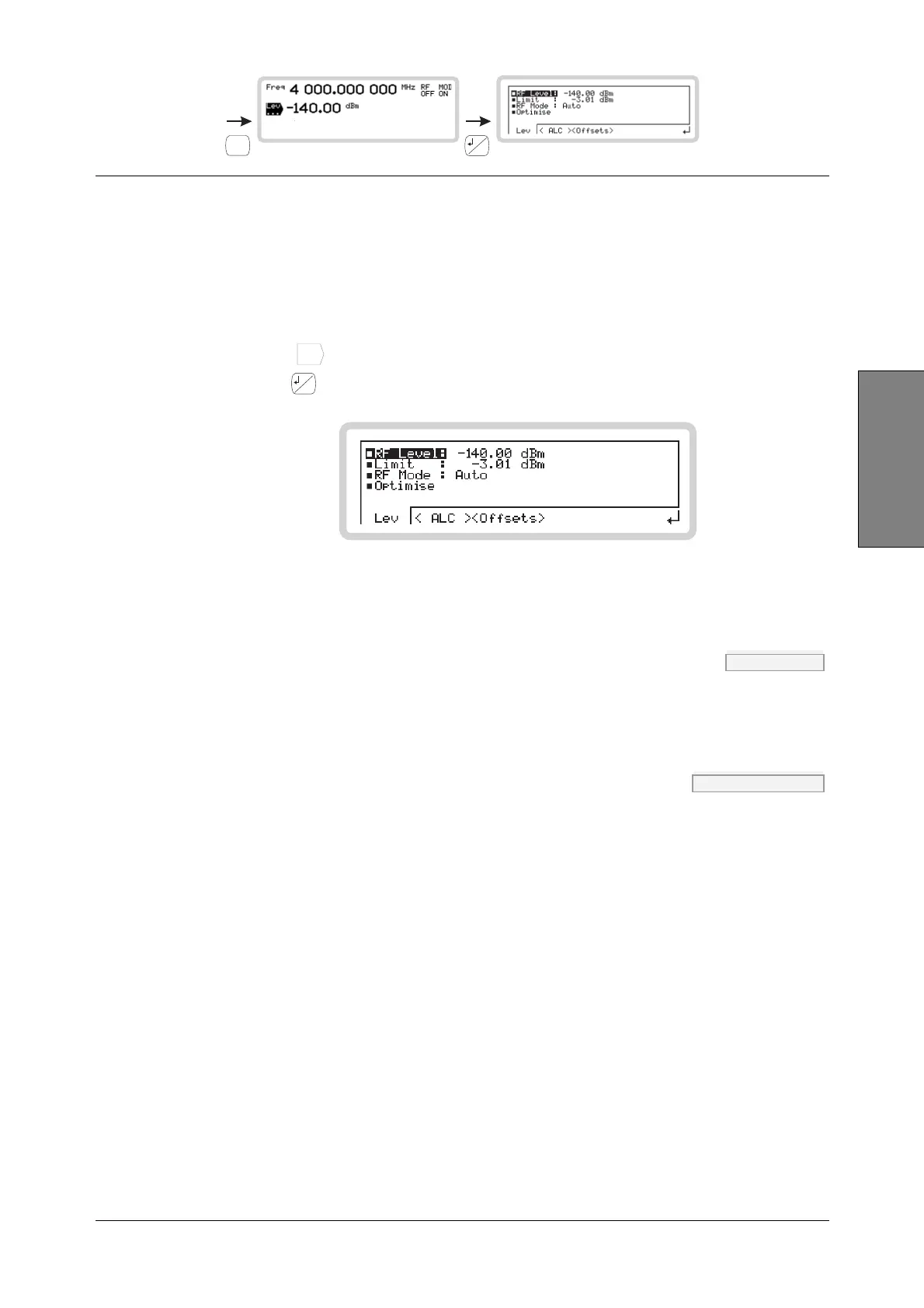
RF level menu — <Lev>
From this menu, you can:
• Set the RF level of the carrier
• Set a limit on the level of RF output (not available when Option 001 is fitted)
• Set the instrument’s noise mode.
1 Touch
Lev
...
to select the RF level menu on the main screen (Fig. 3-17).
2 Press
...
to view the sub-menus. RF Level is highlighted (Fig. 3-21).
B5907
Fig. 3-21 RF level
RF Level POW page 4-149
Enter an RF level, terminating with the appropriate units key. You can change the units: see
page 3-141.
Limit POW:LIM page 4-152
You can set your own maximum output power limit, which allows you to protect sensitive devices
connected to the RF OUTPUT socket.
1 Set the level limit in the range –67 to +73 dBm. Terminate using the appropriate units key.
You can change the units: see page 3-141.
The level limit you specify is for the device under test. The range allowed takes into
account any offsets being applied (see page 3-30).
2 The setting is saved in non-volatile memory until changed again.



 To Next Page