3-21
Carrier/RF
DETAILED OPERATION
Carrier frequency and RF level
Press
SIG
GEN
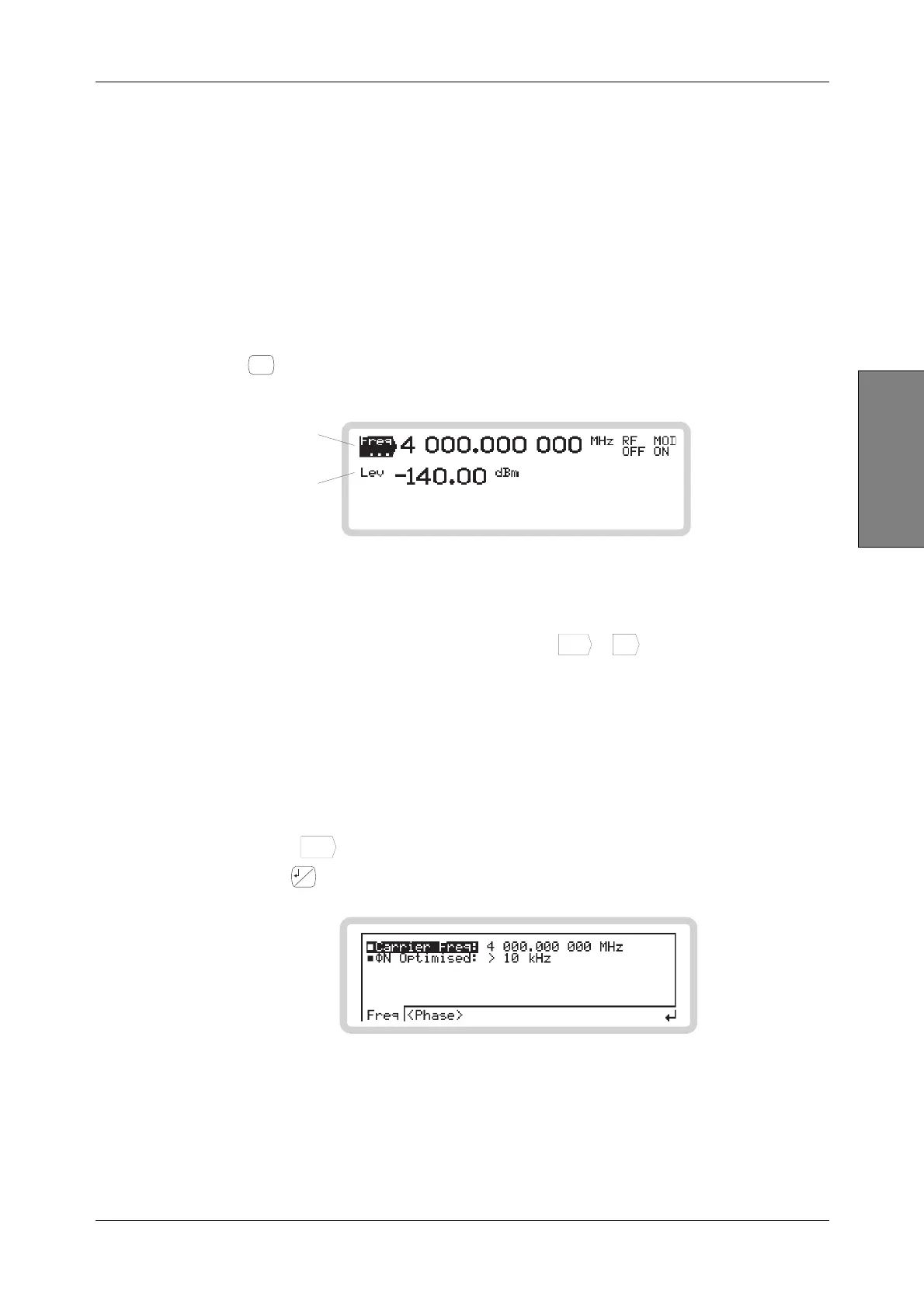
to see the main screen (Fig. 3-17), from which you can set up parameters associated
with the instrument’s carrier frequency and RF level.
B5190
Touch to select
carrier frequency
Touch to select
RF level
Fig. 3-17 Main screen
Set carrier frequency or RF level directly:
1 Touch the relevant function label on the screen (
Freq
...
or
Lev
...
) or the displayed value.
2 Enter the value using the numeric keypad. Terminate using the appropriate units key.
3 You can adjust the value displayed, either in steps or by using the rotary control for
continuous adjustment.
Carrier frequency menu — <Freq>
Use this menu to set the carrier frequency and phase noise performance.
1 Touch
Freq
...
to select the carrier frequency menu.
2 Press
...
to view the sub-menus. Carr Freq is highlighted (Fig. 3-18).
B5789
Fig. 3-18 Carrier frequency sub-menu



 To Next Page