92 7713395 R2
Note
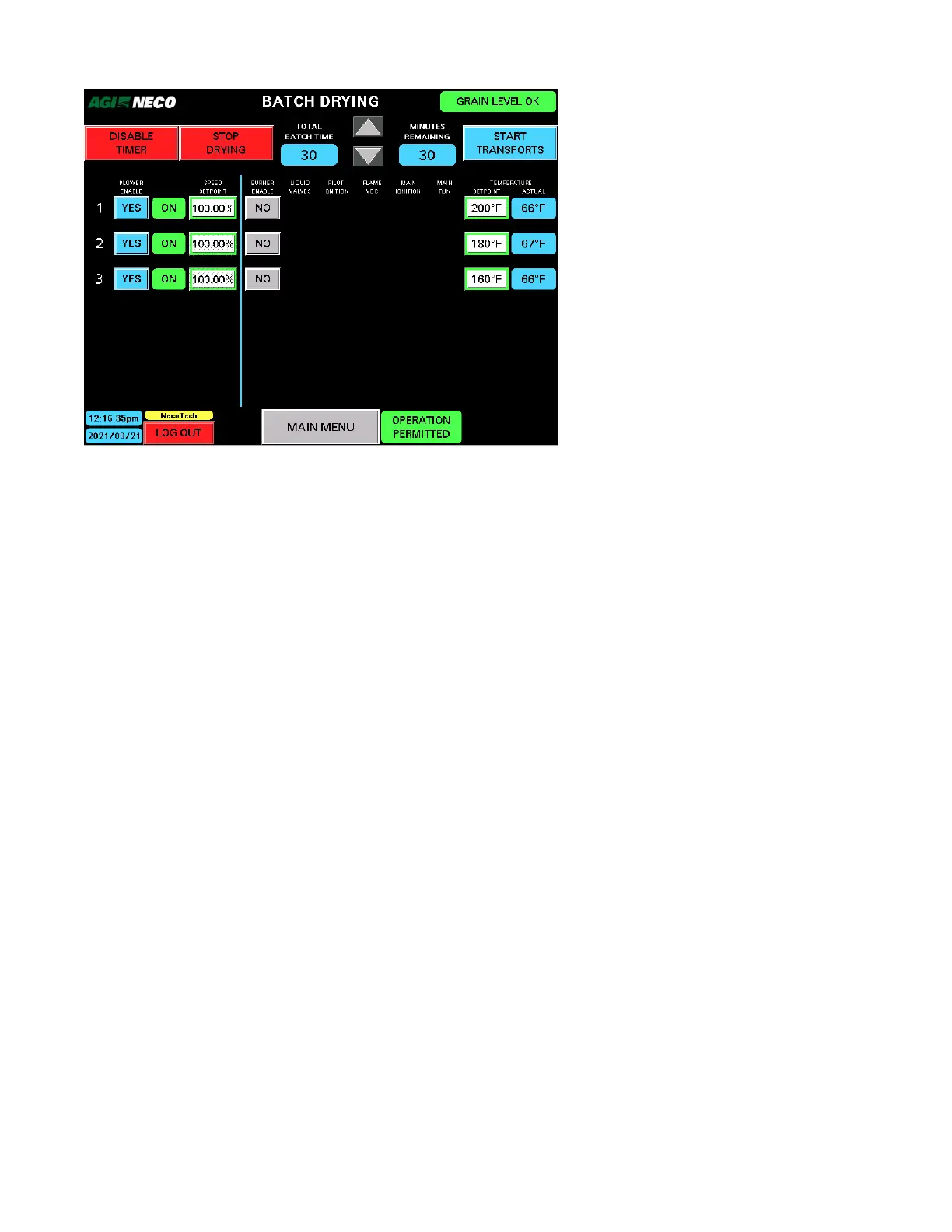
The Batch Timer can be disabled when all the burners are off. In this mode, the blowers are allowed to
run continuously without heat being applied to the grain.
To switch directly to AUTO DRYING MODE:
• Skip the Batch Drying – Cooling mode, or RESTART mode.
• One of the following appears in the upper-right button (see Figure 108 on page 91):
– FILL DRYER
– START
– START AUTO DRYING
• Tapping the button selects the pre-level of auto drying displayed by the button.
Stop Drying
• Tapping STOP DRYING stops the batch drying process and initiates COOLING mode.
4. OPERATION CONTINUOUS MIXED-FLOW GRAIN DRYER WITH COMMANDER CONTROL SYSTEM



 To Next Page