22 Agilent Cary 8454 UV-Visible Spectroscopy System Installation Guide
2 Installation and Start Up
Unpacking Your Spectrophotometer
Unpacking Your Spectrophotometer
Upon receipt of your spectrophotometer, computer and printer, inspect the
shipping containers for any signs of damage. If the containers or
cushioning material are damaged, save them until the contents have been
checked for completeness and the spectrophotometer, computer or printer
have been mechanically and electrically checked. If the shipping container
or cushioning material is damaged, notify the carrier as well as Agilent
Technologies. Save the shipping material for the carrier’s inspection.
Check the contents of the shipping container against the list below. If any
items are missing or obviously damaged, call Agilent Technologies.
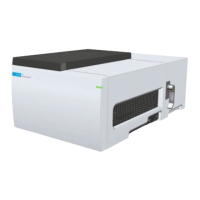
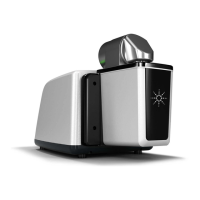
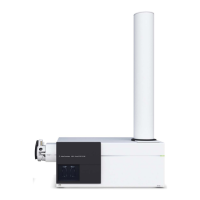
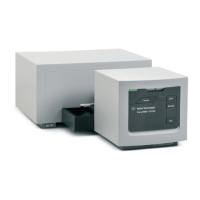
✔ Unpack the spectrophotometer. You should have the following
components:
• Power cord to connect the spectrophotometer to line power.
• LAN Interface, if you connect the spectrophotometer through a LAN
• Waste tubing to connect the sample pan of your spectrophotometer to
a waste container.
• Checkout sample (caffeine solution).
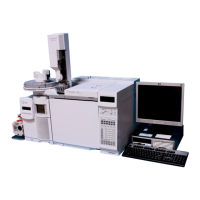
✔ Unpack the computer and its accessories. You should have the following
components:
• Computer and power cable
• Keyboard
• Mouse
• Display unit, connecting cable and power cable
• USB to GPIB Interface, if you connect the spectrophotometer through
GPIB
• Printer, connecting cable and power cable
• Printer accessories, for example, ink cartridge in case of a DeskJet
printer


 To Next Page
 Loading...