94 Agilent Cary 8454 UV-Visible Spectroscopy System Installation Guide
6 GPIB Communication, Connections and Configuration
Configuring the Agilent 82357 USB - GPIB Interface
Configuring the Agilent 82357 USB - GPIB Interface
• To configure your 82357 USB- GPIB Interface, the Agilent IO Libraries
Suite must be installed. See “Installation of the Agilent GPIB
Communication Library” on page 84 for details.
• A USB 1.0 or 2.0 connection on your PC must be available.
1 Plug the 82357A/B USB-GPIB Interface into the GPIB connector of the
instrument’s GPIB connector.
Local administrator rights are required to configure your interface.
If a GPIB cable is used to interconnect multiple modules (e.g. 89090A Peltier Temperature
controller) the USB Interface device must also be plugged into the GPIB connector (see
Figure 39).
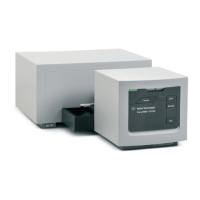
Figure 39 82357 USB-GPIB interface on a spectrophotometer


 To Next Page
 Loading...