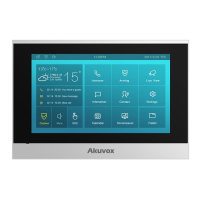
C315 Indoor Monitor Administraor Guide
To set the API authentication, go to Security > API.
Parameter Set-up:
•
API: enable the API if you allow the device to be integrated with the third-party
devices via API.
•
Auth Mode: select the authentication mode.
•
Allowlist: select it when you only allow the device in the allow list to integrate with
the indoor monitor.
•
Digest: select it when you apply the Digest mode for the third-party integration.
•
User Name: type in the username used for the authentication.
•
Password: type in the password used for the authentication.
•
None: select none if allow all the devices to integrate with the indoor monitor with all
forms of the authentication mode.
Before the API integration, you need to enable the API permission and create allow list by
entering the location and IP address of the device to be integrated with the indoor monitor.
To set it up, go to Security > Allowlist.


 To Next Page
 Loading...